6 best Rewst alternatives for MSP automation in 2026
Rewst is an automation platform built for MSPs. It connects your PSA, RMM, Microsoft 365 and other tools, then runs workflows across every client tenant from one login: onboarding, license reconciliation, billing checks and client forms. You build those workflows on a visual canvas, start from 100+ prebuilt Crates, or describe them to the Rewst Agent.
The cost is who does the building. Rewst's CEO, Aharon Chernin, sums up the design as "AI thinks, automation acts," which means Rewst runs exactly what someone on your team defined and kept current. Ixvara, a competing vendor, puts the usual wait before meaningful ROI at three to six months. If you want the result without that build phase, or a cheaper or self-hosted option, the six Rewst alternatives below are the ones worth a demo.
What is Rewst and who is it for?
Rewst is the best-known MSP automation platform in this category. Ixvara's 2026 comparison credits it with $104M raised and more than 1,500 MSP customers, and its community and support team come up in almost every positive review.
The building block is the workflow. According to Rewst's documentation, a workflow is a set of triggers and actions that pulls data from tools like your PSA or RMM, applies conditional logic, and then acts on it. Crates package prebuilt workflows, and since mid 2025 Rewst also ships smaller kits of predefined actions for a single integration such as HaloPSA. Rewst recommends editing Crate workflows only after taking its Cluck University courses, which tells you where the learning curve sits.
The newer piece is the Rewst Agent. You describe what you need in plain language, and it answers questions across your stack, handles one-off tasks, and builds the workflow, form or app behind repeatable work. Everything it builds stays visible and editable, and permissions decide who can push new automations live.
The results are real for teams that invest. One Rewst customer, Dustin Lepi at Network IT Easy, reports 75-80 hours of time savings per week. Rewst's own blog says Karpel Solutions cut onboarding from 15 to 20 minutes per user to 1 to 2 minutes.
Pricing is quote-only. Rewst's pricing page describes usage-based or user-based pricing but still sends you to sales. For the detail, see our Rewst pricing guide.
Rewst fits best when you have someone to own it. Ixvara's rule of thumb is 15 or more technicians and one person dedicated to building and maintaining automations. One r/msp commenter put it bluntly: Rewst is currently better than any of the alternatives. If you have that automation owner, that may be true for you. If you don't, keep reading.
Rewst alternatives at a glance
| Tool | Best for | Pricing | Deployment |
|---|---|---|---|
| Rewst (baseline) | MSPs with a dedicated automation owner | Quote only | Cloud |
| Rallied | MSPs that want L1 tickets closed without building workflows | $150 a month for 2,000 credits, about 700 tickets in a typical month | Connects to your PSA, M365 and RMM |
| Pia | Ticket intake, triage and prebuilt automations inside the PSA | Quote only | Cloud |
| n8n | Technical teams wanting full control | Free (self-hosted) or $20-50/mo | Self-hosted or cloud |
| Microsoft Power Automate | Microsoft 365 shops | $15/user/month | Cloud |
| UiPath | Large MSPs needing enterprise RPA | $25+/month (Basic) | Cloud or on-prem |
| ThinkAutomation | On-premise deployment needs | $2,700/year | On-prem or private cloud |
The 6 best Rewst alternatives for MSPs
1. Rallied
Rallied is an AI agent that closes tickets in your PSA. It picks up the ticket, runs the fix in Microsoft 365 and your RMM, and writes the notes and time entry back to the ticket, so there is no workflow to design before the first ticket closes.
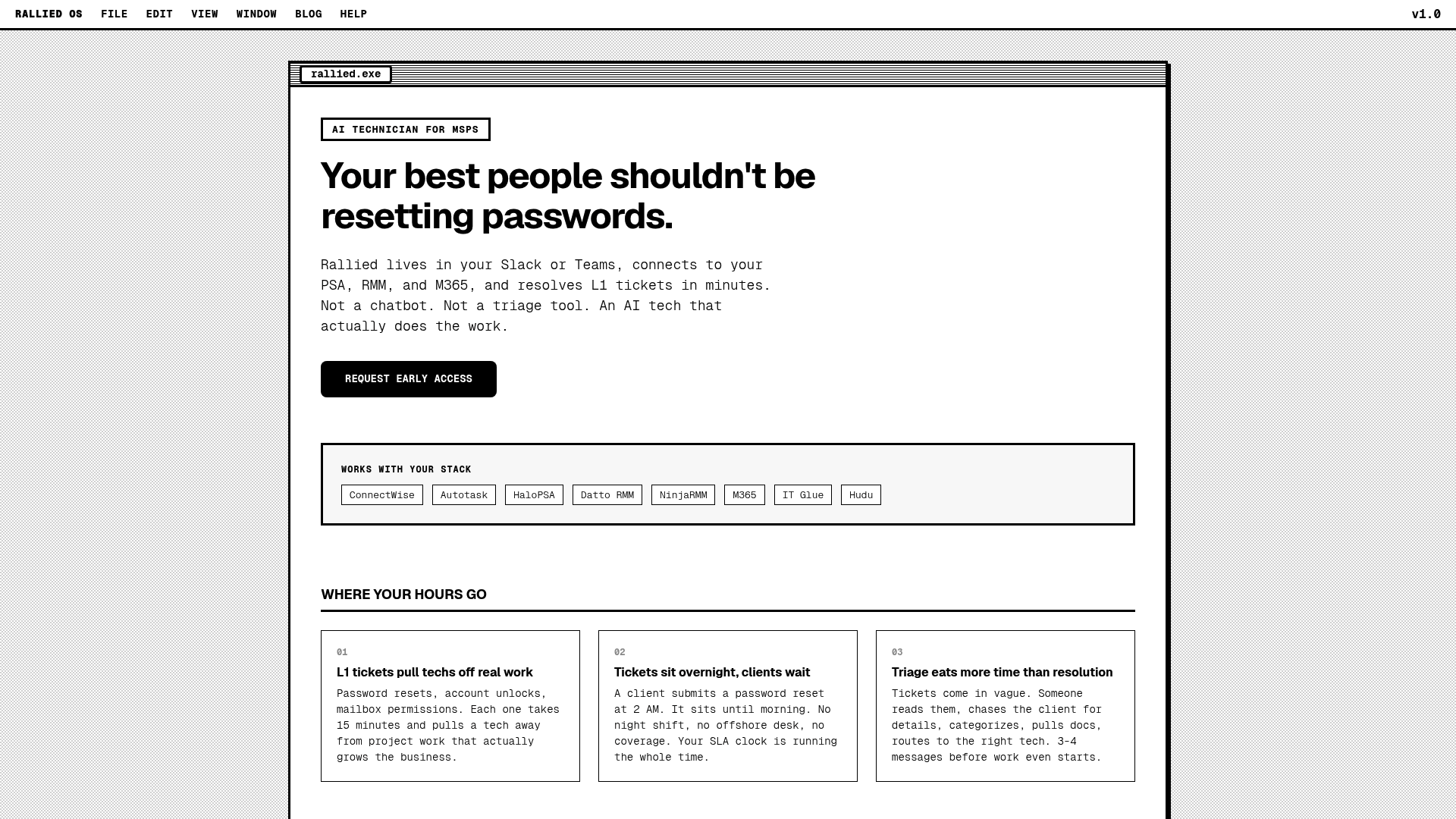
The ticket types it handles are the ones that fill an L1 queue:
- Password resets and account unlocks, with identity verification on every reset.
- New-user setup and new mailboxes, raised straight from a ConnectWise ticket.
- Offboarding across several systems, which costs the same as a password reset.
- Workflows your team has already set up, run start to finish from the ticket.
- Triage and diagnosis on every ticket, pulling the client's documentation from IT Glue or Hudu, including the write-up a tech picks up when Rallied can't finish it.
Rallied works with ConnectWise, HaloPSA and Autotask, plus Microsoft 365, your RMM, and IT Glue or Hudu for documentation. Setup takes under an hour. You get per-tool permissions and a dedicated channel in Slack or Microsoft Teams. Admins get email alerts at 50%, 80% and 100% of the month's credits, and the agent pauses at 0.
Rallied is $150 a month, billed monthly, with 2,000 credits included. Each ticket costs 1, 3 or 8 credits depending on how much work the agent did on it, so a typical month covers about 700 tickets. Tickets it looked at but couldn't finish cost nothing.
| What we like | What to consider |
|---|---|
| Tickets it couldn't finish are never charged | Built around tickets, so cross-tool projects like billing reconciliation or client dashboards suit Rewst better |
| Setup in under an hour | The $150 monthly plan is billed even in a quiet month |
| Runs the fix and updates the ticket instead of suggesting it | Newer entrant than Rewst or Pia |
Rallied fits MSPs, ConnectWise shops in particular, that want L1 tickets closed without hiring a person whose job is the tool. For background on the approach, read what an AI technician does for an MSP and how autonomous L1 resolution works.
2. Pia
Pia describes itself as the automation platform built for MSPs, taking a request from the client to a resolved ticket inside your PSA. Compared with Rewst, it starts at the ticket rather than the workflow.
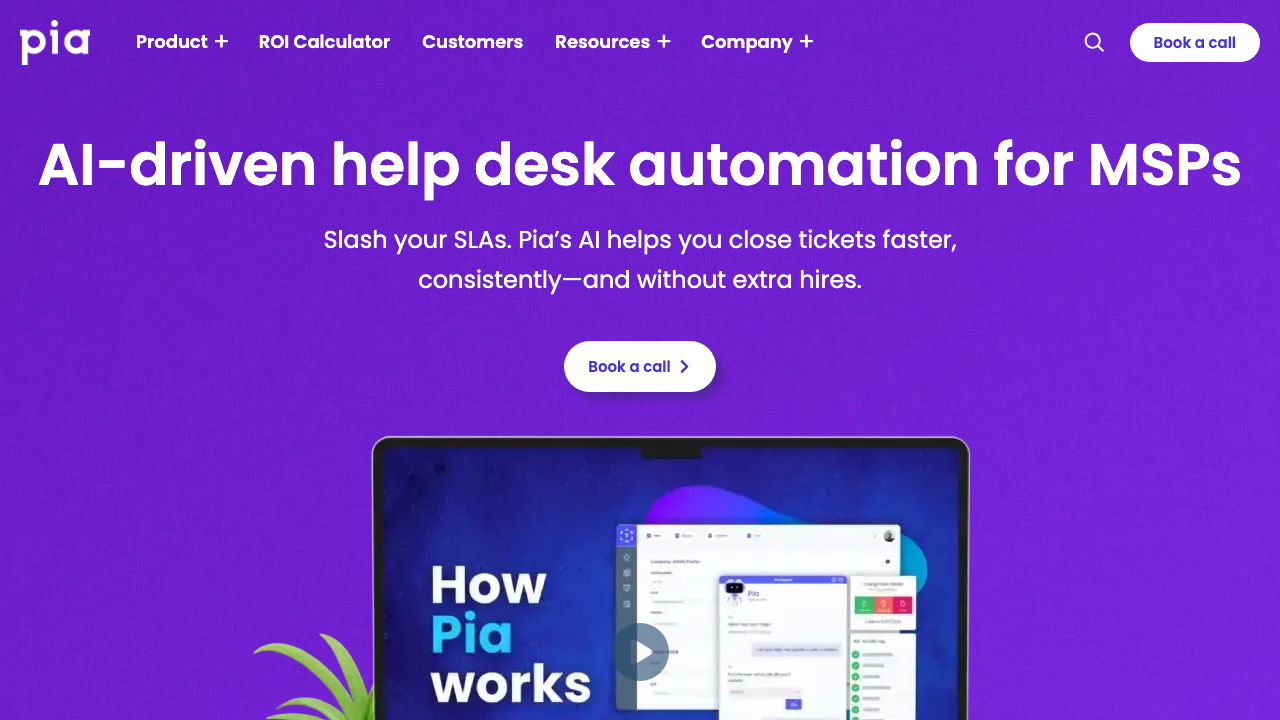
Its main pieces:
- AI ticket triage classifies, routes and stamps each ticket with a priority and automation tags.
- SmartForms and Pia Chat, a Microsoft Teams app, let clients start an automation before the request reaches the queue.
- Hundreds of pre-built automations cover onboarding, offboarding, access requests and mailbox changes.
- Pia's Editor, APIs and VS Code support let your team build custom workflows outside the prebuilt set.
- Integrations include ConnectWise, HaloPSA, Autotask, Microsoft 365 and Pax8.
Pia's homepage claims 90% faster resolution on automated tickets, 3x more tickets closed per technician, 500 endpoints per technician against an industry average of 250, and 60% of service requests automated. Pricing is not published; you book a call and get a quote.
| What we like | What to consider |
|---|---|
| Purpose-built for MSP ticket work | Custom automations still need someone to build them |
| Works inside ConnectWise, HaloPSA and Autotask | Pricing not published |
| Good for giving junior techs a repeatable path |
Pia fits MSPs that want automation inside the PSA and are fine with some configuration. Read our Pia AI review or the head-to-head Rewst vs Pia comparison.
3. n8n
If you have technical people and want complete control, n8n is the most flexible option, and it is the alternative r/msp users suggest most often for self-hosting.
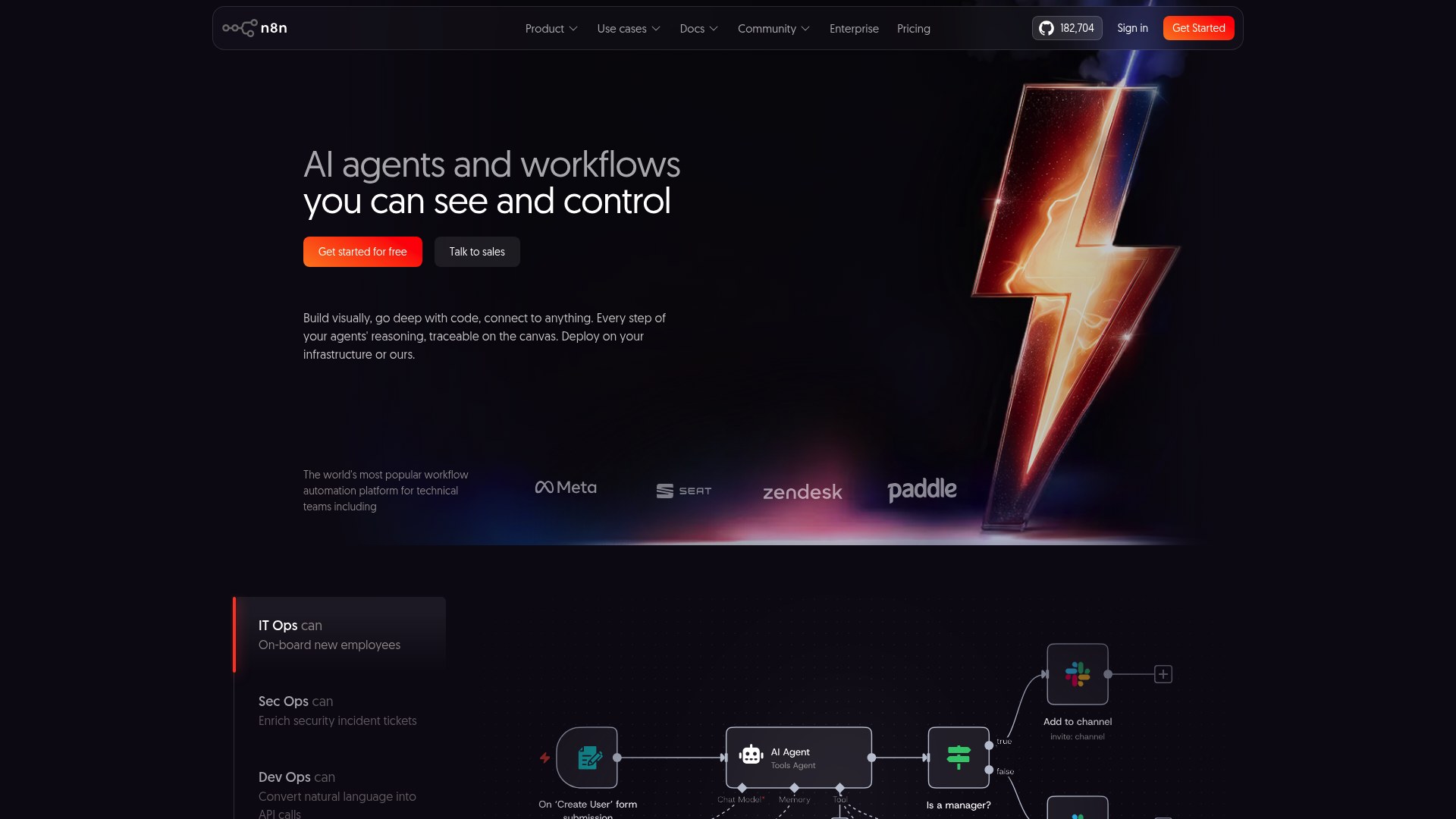
n8n is an open-source platform for AI agents and workflows aimed at technical teams. Its homepage lists 206.8k GitHub stars, 200k+ community members and a 4.7/5 rating on G2. You can self-host it for free or use the cloud version.
- Self-hosting keeps data on your own infrastructure.
- 400+ native integrations connect to most business tools and APIs.
- You write JavaScript or Python when you need to and use the UI when you don't.
- The AI Workflow Builder helps with complex automations.
- Git-based version control tracks changes to workflows over time.
| Plan | Price | Features |
|---|---|---|
| Community (Self-hosted) | Free | Unlimited users, self-hosted |
| Starter | $20/month | 2.5K executions, 1 project |
| Pro | $50/month | Custom executions, 3 projects |
| Business | $800/month | 40K executions, SSO, Git integration |
| Enterprise | Custom | Unlimited projects, dedicated support |
n8n charges per workflow execution (a complete run), not per step like Zapier.
| What we like | What to consider |
|---|---|
| Free self-hosted option | Needs technical skill to deploy and maintain |
| Large integration library | No MSP-specific templates or multi-tenancy built in |
| Full code flexibility | You build everything from scratch |
Rewst's own blog argues that generic tools like n8n break down when you support 30 clients with different toolsets, so plan for per-client logic. n8n fits MSPs with developers who don't mind building. See Rewst vs n8n for the detailed comparison.
4. Microsoft Power Automate
If your clients run on Microsoft 365, Power Automate is the obvious place to look.
Power Automate is Microsoft's cloud workflow platform, with 900+ connectors and deep ties to Microsoft 365 and Azure. Cloud flows handle automation between services, desktop flows (RPA) automate on-premise and legacy apps, AI Builder adds document processing and prediction, and process mining shows where work gets stuck.
| Plan | Price | Features |
|---|---|---|
| Free Trial | Free | 30-day trial with standard connectors |
| Power Automate Premium | $15/user/month | Cloud flows, attended RPA, 50 MB process mining |
| Power Automate Process | $150/bot/month | Unattended RPA, bot automation |
| Power Automate Hosted Process | $215/bot/month | Unattended RPA + Microsoft-hosted VM |
| What we like | What to consider |
|---|---|
| Tight Microsoft 365 integration | Per-user pricing adds up for teams |
| Enterprise-grade security and compliance | Few MSP-specific features |
| Large connector library | Workflows usually need rebuilding per client tenant |
Ixvara's comparison makes the multi-tenant point directly: Zapier and Power Automate make you rebuild the same workflow for every client. Power Automate fits MSPs already deep in Microsoft that want enterprise backing.
5. UiPath
UiPath is the long-standing leader in enterprise RPA, and it now pitches itself as a platform for business orchestration and automation.
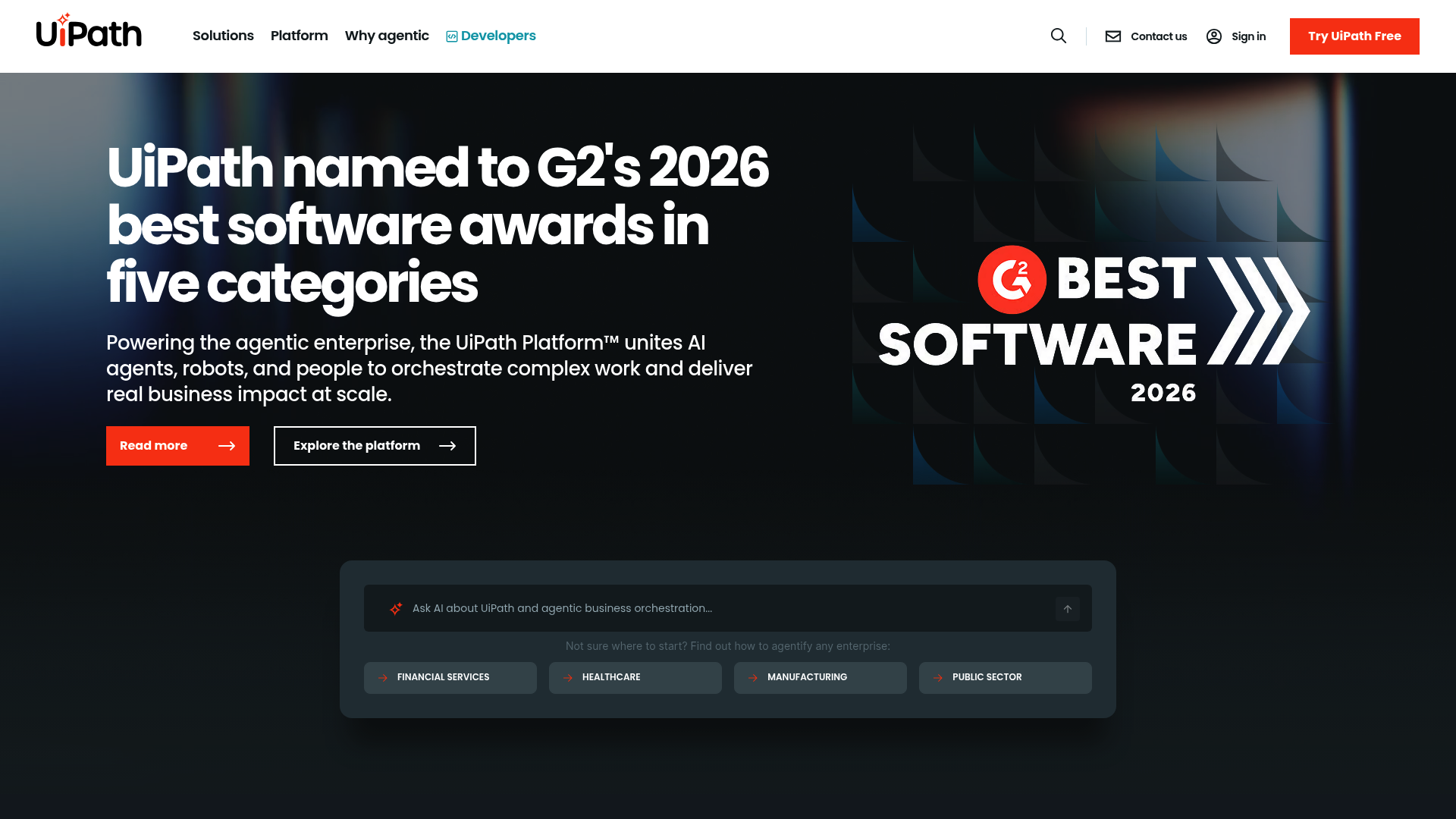
The platform coordinates AI agents, robots and people on one canvas. Agents handle reasoning steps like triage, robots and APIs act on systems of record, and low-confidence decisions route to a person with context attached. UiPath IXP handles document processing, and every action is logged to an audit record. G2 lists it as UiPath Agentic Automation, rated around 4.6.
- Attended and unattended robots cover human-triggered and fully automated runs.
- Self-healing automations (Healing Agent) fix broken UI selectors.
- Process mining and task mining find automation candidates.
- Test Cloud validates application changes.
| Plan | Starting Price | Best For |
|---|---|---|
| Basic | $25/month | Individuals and small teams |
| Standard | Contact sales | Enterprises building automation programs |
| Enterprise | Contact sales | Company-wide automation with advanced governance |
Robot licenses (attended and unattended) cost extra.
| What we like | What to consider |
|---|---|
| Most mature RPA platform | Expensive for smaller MSPs |
| Strong document processing and governance | Steep learning curve |
| Self-healing automations cut maintenance | Overkill for L1 ticket automation |
UiPath fits large MSPs with complex automation needs and a dedicated technical team. For the wider trade-off, see IT process automation vs RPA for MSPs.
6. ThinkAutomation
Founded in 2003 by Parker Software, ThinkAutomation offers published pricing and on-premise deployment.
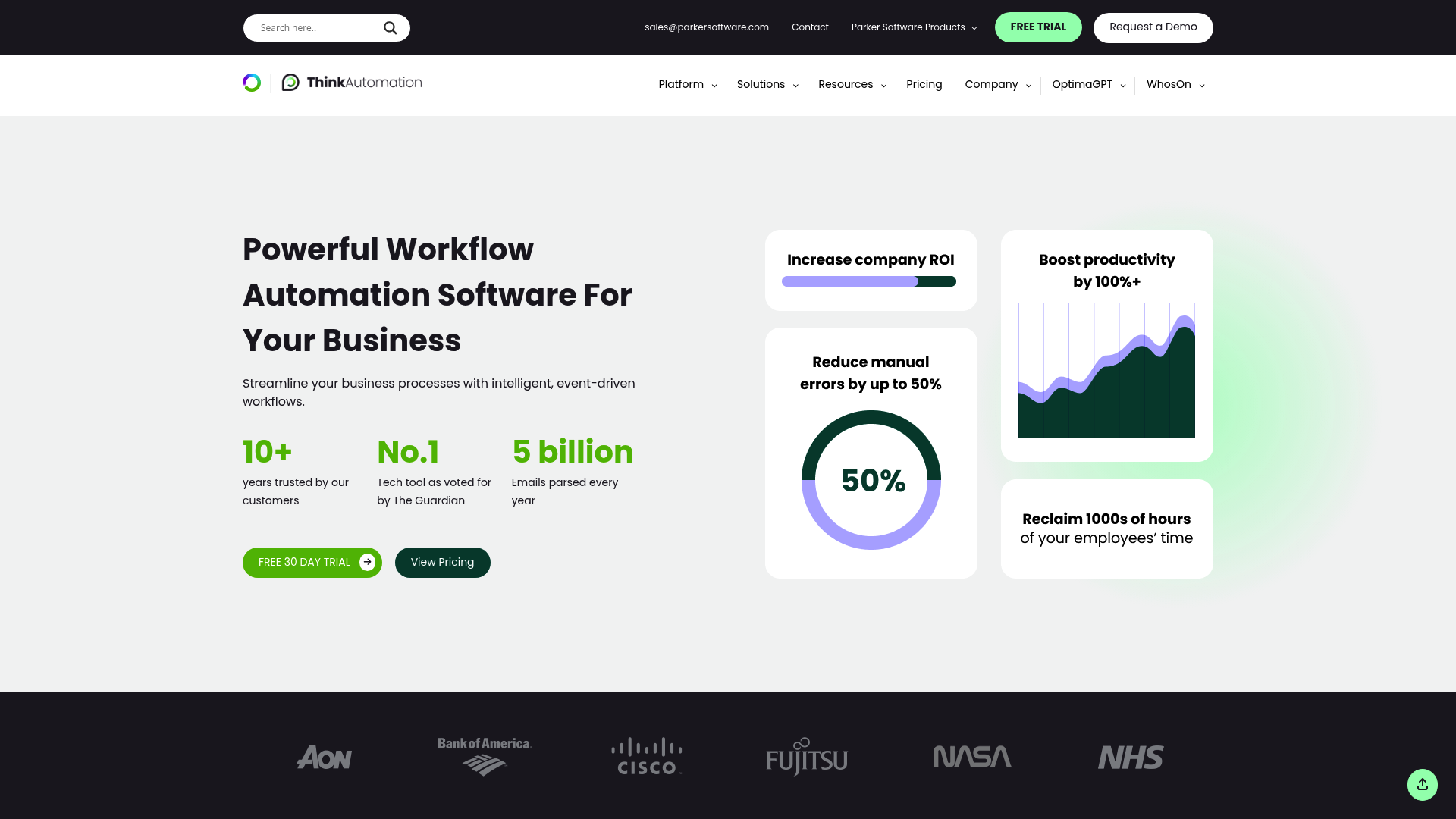
ThinkAutomation processes incoming messages (email, database changes, files, web forms and API calls) and triggers low-code workflows from them. You can run it on your own servers or self-host it on a cloud machine of your choice.
- Email processing covers Office 365, Gmail, Exchange and IMAP/POP3.
- Database and file triggers run workflows when records or files change.
- 130+ pre-built actions cover most common processes, and you can add custom extensions.
- AI is built into every version, with ChatGPT, Azure OpenAI, Grok or its own OptimaGPT.
- C# and VB.NET scripting (Professional and up) handles custom logic.
| Plan | Annual Price | Key Limits |
|---|---|---|
| Community | Free | 10 message sources, 250 messages/day |
| Starter | ~$900/year | 10 sources, 500 messages/day |
| Standard | $2,700/year | Unlimited sources and messages |
| Professional | ~$5,400/year | Unlimited + custom scripting |
| Enterprise | Custom | Multi-tenant, high availability |
| What we like | What to consider |
|---|---|
| Fixed, published pricing | Interface feels dated next to newer tools |
| On-premise option keeps data in your environment | Smaller integration library |
| No per-automation fees | No PSA-native ticket handling |
ThinkAutomation fits MSPs that want on-premise deployment with predictable costs.
Other Rewst alternatives MSPs ask about
These come up on review sites and in r/msp threads but didn't make the main list:
- zofiQ was an AI triage tool that needed no workflow building. It launched in April 2025 and ConnectWise acquired it in January 2026, so it is now only available to ConnectWise MSPs. Our zofiQ review covers what that means.
- Tines is G2's top-rated Rewst alternative, at about 4.7 stars from 424+ reviewers. It is built for internal IT and security teams running phishing response, patching and employee lifecycle workflows.
- Zapier rates about 4.5 on G2 and is easy to start with, but you rebuild each workflow per client.
- CIPP comes up in r/msp threads as a tool to watch for multi-tenant Microsoft 365 work. See our CIPP guide for M365.
Rewst alternatives compared side by side
| Tool | Pricing | Deployment | Best use case | Setup complexity | AI capabilities |
|---|---|---|---|---|---|
| Rallied | $150 a month for 2,000 credits, about 700 tickets in a typical month | Connects to PSA, M365, RMM | Closing L1 tickets without workflows | Low (under an hour) | Runs the fix and updates the ticket |
| Pia | Quote only | Cloud | Intake, triage and prebuilt PSA automations | Medium | Ticket triage, SmartForms, Pia Chat |
| n8n | Free-$800/mo | Self-hosted/Cloud | Technical teams wanting control | High | AI Workflow Builder |
| Power Automate | $15/user/mo | Cloud | Microsoft 365 shops | Medium | AI Builder, document processing |
| UiPath | $25+/mo | Cloud/On-prem | Enterprise RPA needs | High | Agents, robots, IXP document processing |
| ThinkAutomation | $2,700/year | On-prem/Private | Fixed pricing, on-prem needs | Medium | Built-in AI with your choice of model |
How to choose the right Rewst alternative
| If this is you | Look at |
|---|---|
| You want L1 tickets closed on one monthly plan, with nothing to build | Rallied |
| You want intake, triage and prebuilt automations inside the PSA, and can configure the rest | Pia |
| Budget is tight and you have developers who want full control | n8n |
| Your clients live in Microsoft 365 and you want Microsoft backing | Power Automate |
| You need enterprise RPA and have the budget and team to run it | UiPath |
| Data has to stay on your own servers and you want a fixed annual price | ThinkAutomation |
| You have an automation owner and want one platform for workflows, forms and client apps | Stay with Rewst |
For a wider view of tools that resolve tickets with AI, see the best MSP AI tools for ticket automation.
Getting started with MSP automation
Start by counting your repetitive tickets. Pull a month of closed tickets from your PSA and sort by type, because password resets, account unlocks and mailbox permission changes usually top the list and take the least judgment to fix. Our password reset ticket volume statistics give you a benchmark to compare against.
Next, match the tool to the people you actually have. If nobody on your team can own a workflow canvas, a platform that depends on one will stall after the demo, so pick something that works with the time you can give it.
Then check integrations against your stack. The tool has to connect to your PSA, RMM and identity provider, and it has to write back to the ticket, or your techs end up doing the paperwork by hand anyway.
If you want an AI agent that runs the fix and closes the ticket instead of a canvas to build on, Rallied is $150 a month for 2,000 credits, about 700 tickets in a typical month, and tickets it can't finish cost nothing. To work out what that is worth for your queue, read the ROI of tier 1 ticket automation. For the wider picture, see our roundup of the best MSP automation tools.
Frequently Asked Questions
Which Rewst alternative is best for small MSPs without automation engineers?
Look at Rallied or Pia. Both are built for MSP ticket work and don't need someone to engineer workflows first. Rallied is $150 a month for 2,000 credits, about 700 tickets in a typical month, and sets up in under an hour, while Pia is quote-only.
Are there any free Rewst alternatives?
n8n has a free self-hosted Community edition, and ThinkAutomation has a free Community edition limited to 10 message sources and 250 messages a day. Both need technical setup. Rallied isn't free. It is $150 a month for 2,000 credits, and it charges nothing for tickets it couldn't finish.
Do any Rewst alternatives execute fixes rather than just building workflows?
Yes. Rallied runs the fix in Microsoft 365 and your RMM, such as a password reset, account unlock or new mailbox, then writes the notes and time entry back to the ticket. Pia also offers pre-built automations that resolve requests inside the PSA.
Which alternative has the best PSA integrations?
Rewst maintains 80+ integrations. Among the alternatives, Pia and Rallied both work with ConnectWise, HaloPSA and Autotask. For broader non-MSP connector libraries, Power Automate (900+ connectors) and n8n (400+ integrations) go wider but lack PSA-native ticket handling.
How much does Rewst cost?
Rewst doesn't publish prices. Its pricing page describes usage-based or user-based pricing and sends you to sales for a quote. Our Rewst pricing guide covers what MSPs report paying.
Is UiPath overkill for MSP automation?
For many MSPs, yes. UiPath is built for enterprise orchestration with agents, robots and governance, and robot licenses cost extra. If you only need L1 tickets handled, an MSP-specific tool like Rallied or Pia is a better fit.
Can I self-host any of these alternatives?
Yes. n8n, ThinkAutomation and UiPath all offer self-hosted or on-premise deployment. Pia and Power Automate are cloud services.
