Best MSP AI Tools for Ticket Automation in 2026: 10 Tools Compared
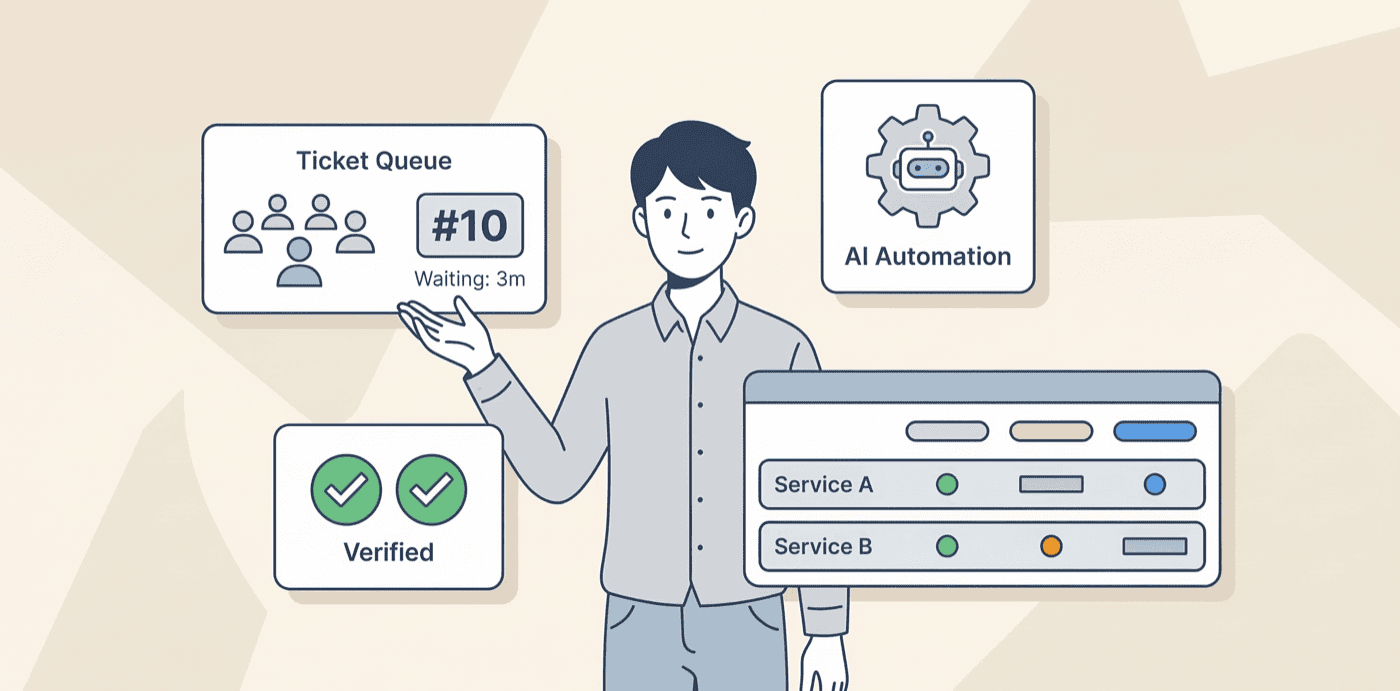
The best MSP AI tool depends on the work you want it to own.
Rallied and NeoAgent target cross-stack ticket resolution. zofiQ is the clearest ConnectWise-native option. Thread replaces more of the service desk. Rewst is the broadest workflow platform.
Those are different purchases. A tool that classifies a ticket is not doing the same job as one that resets a password, verifies the result, updates the PSA, and tells the user it is fixed.
This guide compares ten products on that basis. It covers what each tool is documented to do, what it does not prove, how much control the MSP keeps, and where the public evidence is still thin.
The short version
| If you need... | Start with... | Why |
|---|---|---|
| Cross-stack resolution across PSA, RMM, identity, and docs | Rallied or NeoAgent | Both document execution across the MSP stack, with approval controls for sensitive work. |
| Agentic automation inside ConnectWise | zofiQ | ConnectWise is embedding zofiQ agents into its PSA and broader platform. |
| Human-approved resolution inside the PSA | Everest | Everest centers its flow on context, a cited plan, technician approval, audit, and rollback. |
| Triage, dispatch, and documentation | Mizo | Its strongest documented capabilities are at the front and back of the ticket lifecycle. |
| A service desk with chat, voice, triage, and simple resolution | Thread | Thread owns more of the support experience than a ticket-only add-on. |
| An RMM and PSA platform with an autonomous support agent | Atera | Robin combines intake, diagnosis, approved actions, audit, and escalation. |
| Broad automation beyond support tickets | Rewst | Rewst has the deepest documented workflow and integration footprint in this group. |
| Custom workflows built for you | Bumblebee | Bumblebee combines a workflow platform with a managed build-and-handoff service. |
| Prebuilt help-desk automations and self-service | Pia | Pia packages common service-desk work into installable PiaPacks and SmartForms. |
This is not a universal ranking. The products own different parts of the service desk, and several now cross the category lines that defined them a year ago.
Disclosure and research method
Rallied publishes this article, and Rallied is one of the products compared. That conflict matters, so we apply the same labels and limitations to our own claims.
We did not run a controlled, like-for-like test of all ten products. The old title said "Tested and Compared." That was not supportable, so this version does not make that claim.
Research was checked in August 2026. We prioritized current product documentation, pricing pages, security pages, release notes, and named vendor case studies.
Vendor metrics are labelled as vendor-reported. A case study proves that one customer reported an outcome. It does not prove that every MSP should expect the same result.
We used independent reviews and practitioner discussions as context, not as substitutes for product documentation. A single G2 or Reddit comment is an anecdote, not market consensus.
What made the list
A product had to meet three conditions:
- It is sold to MSPs or has a material MSP service-desk use case.
- It automates at least one part of intake, triage, diagnosis, execution, verification, documentation, or closure.
- We could find current public evidence that the product is active and available.
Pricing marked "contact sales" was not estimated from old screenshots or forum comments. Setup claims are attributed when they come from a vendor.
What "ticket automation" means in this guide
We use four levels. A product can operate at more than one level.
| Level | What the system does | What it does not prove |
|---|---|---|
| Assist | Summarizes, drafts, searches, or suggests a fix. | It has not changed the client environment. |
| Triage | Classifies, prioritizes, asks questions, and routes. | The underlying issue may still be open. |
| Governed execution | Runs an approved action or predefined workflow. | It may not diagnose novel cases or verify the result. |
| Autonomous resolution | Diagnoses, acts, verifies the end state, documents the work, and closes or hands off. | Coverage still depends on issue type, permissions, integrations, and policy. |
A closed ticket is not enough. For this guide, a resolved ticket needs a verified technical outcome, not only a status change or an AI-written reply.
Deployment also matters. We distinguish PSA-native tools, cross-stack overlays, separate service-desk platforms, full RMM/PSA platforms, and workflow platforms.
MSP AI ticket automation comparison
| Tool | Highest documented level | Delivery model | Human control | Public pricing | Research status |
|---|---|---|---|---|---|
| Everest | Governed execution | PSA/RMM overlay | Approval, audit, rollback | Contact sales | Official product material reviewed |
| zofiQ | Governed execution | ConnectWise-native | Human oversight | Contact sales | ConnectWise material reviewed |
| Rallied | Autonomous resolution for supported work | Cross-stack overlay | Per-tool permissions and approvals | $150 a month for 2,000 credits | First-party product material reviewed |
| NeoAgent | Autonomous resolution for supported work | Cross-stack overlay | Propose, approve, or autonomous | From $1,300/month | Official docs and case studies reviewed |
| Mizo | Triage and assist | PSA/service-desk overlay | Technician remains in resolution loop | Contact sales | Official product material reviewed |
| Thread | Autonomous resolution for defined intents | Service-desk platform | Staged rollout and escalation rules | Contact sales | Official implementation docs reviewed |
| Atera Robin | Autonomous resolution for supported work | Atera or existing ITSM | Approvals, permissions, audit | Add-on; contact sales | Official docs and case studies reviewed |
| Rewst | Governed execution | Multi-tenant automation platform | Approvals and documented changes | Contact sales | Official product and release material reviewed |
| Bumblebee | Governed execution | Managed workflow platform | RBAC, approvals, audit | From $250/month plus services | Official product material reviewed |
| Pia | Governed execution | PSA automation platform | Configurable automations and identity checks | Contact sales | Official knowledge base reviewed |
No row above means "independently benchmarked by Rallied." It states the highest level supported by current public product evidence.
1. Everest: human-approved AI resolution inside the PSA
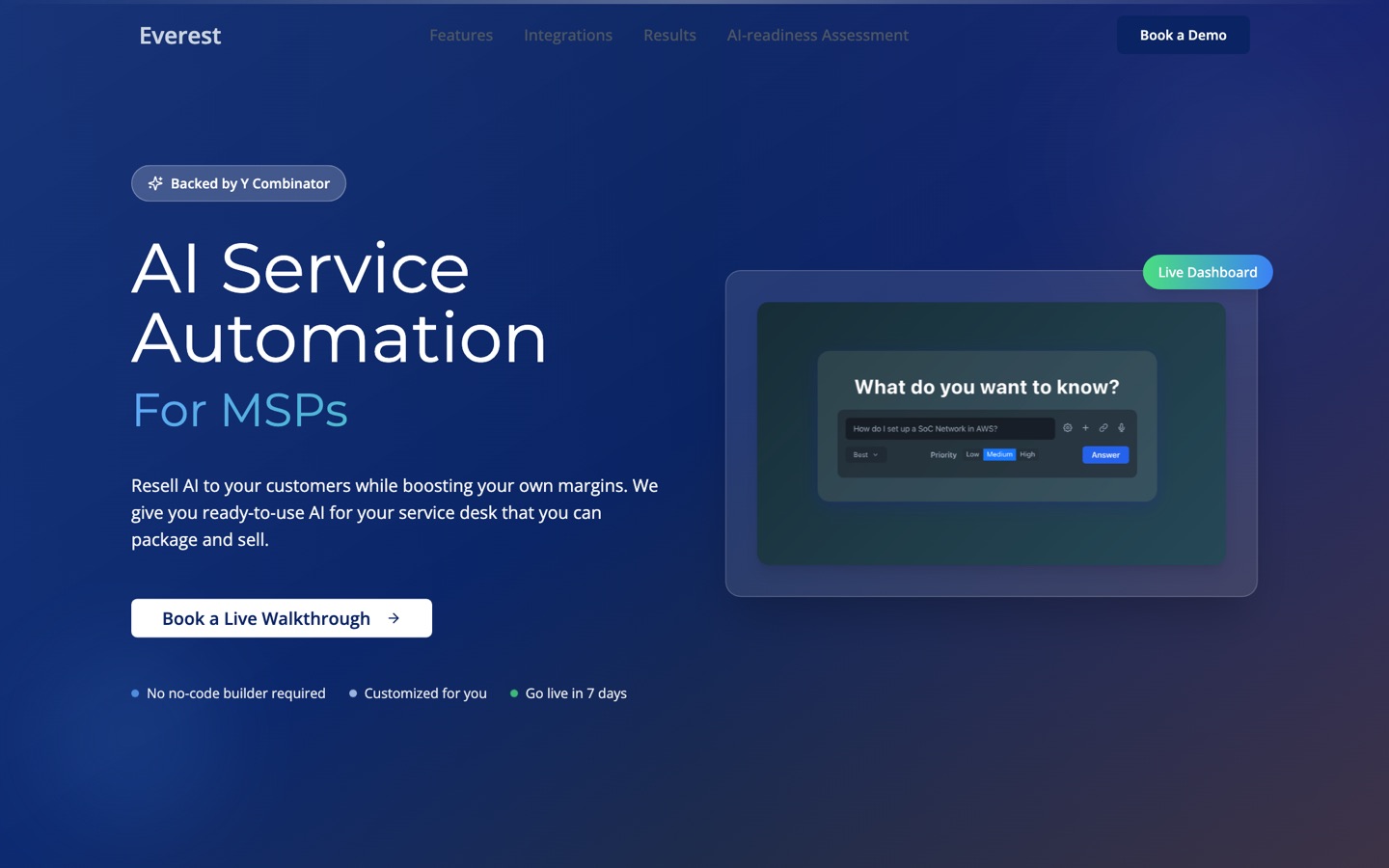
Everest describes a three-step flow: gather ticket context, propose a resolution plan with citations, then let a technician approve execution.
That makes Everest easier to understand as governed resolution than as a fully autonomous agent. The technician remains the decision point before the change is made.
Its public site lists PSA and RMM integrations, a seven-day go-live claim, a full audit trail, and instant rollback. Pricing is not public.
What stands out:
- The approval model is clear and appropriate for MSPs that want to earn trust before granting more autonomy.
- Context and citations appear inside the technician's existing workflow.
- Rollback and audit are part of the product story, not an afterthought.
What to verify in a demo:
- Which actions Everest can execute today, rather than only recommend.
- Whether its seven-day deployment claim applies to your PSA, RMM, and client mix.
- How client-specific policies and approval rules are maintained over time.
Best fit: MSPs that want AI to prepare and execute work while a technician approves the final action.
Poor fit: MSPs looking for documented, unattended resolution across a broad set of ticket types from day one.
Evidence note: the operational claims above come from Everest. We did not find a public independent benchmark of its resolution coverage.
2. zofiQ: the agentic route for ConnectWise partners
ConnectWise acquired zofiQ in January 2026 and is embedding its agents into ConnectWise PSA workflows.
ConnectWise documents triage, remediation, prioritization, routing, and documentation. It also says the technology will extend into RMM, security, data protection, and third-party tools over time.
The current evidence is strongest for ConnectWise partners. The broader cross-platform roadmap should not be treated as generally available until the relevant integrations are documented.
What stands out:
- zofiQ has access to ConnectWise's operational data and distribution.
- Its scope goes beyond summaries into remediation and workflow action.
- ConnectWise reports 90–97% triage accuracy and 5–10 minutes saved per ticket among partners using it.
Those figures are vendor-reported. Ask for the ticket set, sample size, exclusions, and definition of a successful remediation before using them in a business case.
What to verify in a demo:
- Which agent capabilities are generally available in your ConnectWise edition.
- Whether RMM and third-party execution are live or still roadmap items.
- How approvals, audit logs, rollback, and tenant boundaries work.
Best fit: ConnectWise PSA partners that want the vendor's native agentic path.
Poor fit: MSPs on another PSA that need a product they can deploy now.
3. Rallied: cross-stack resolution on one monthly plan
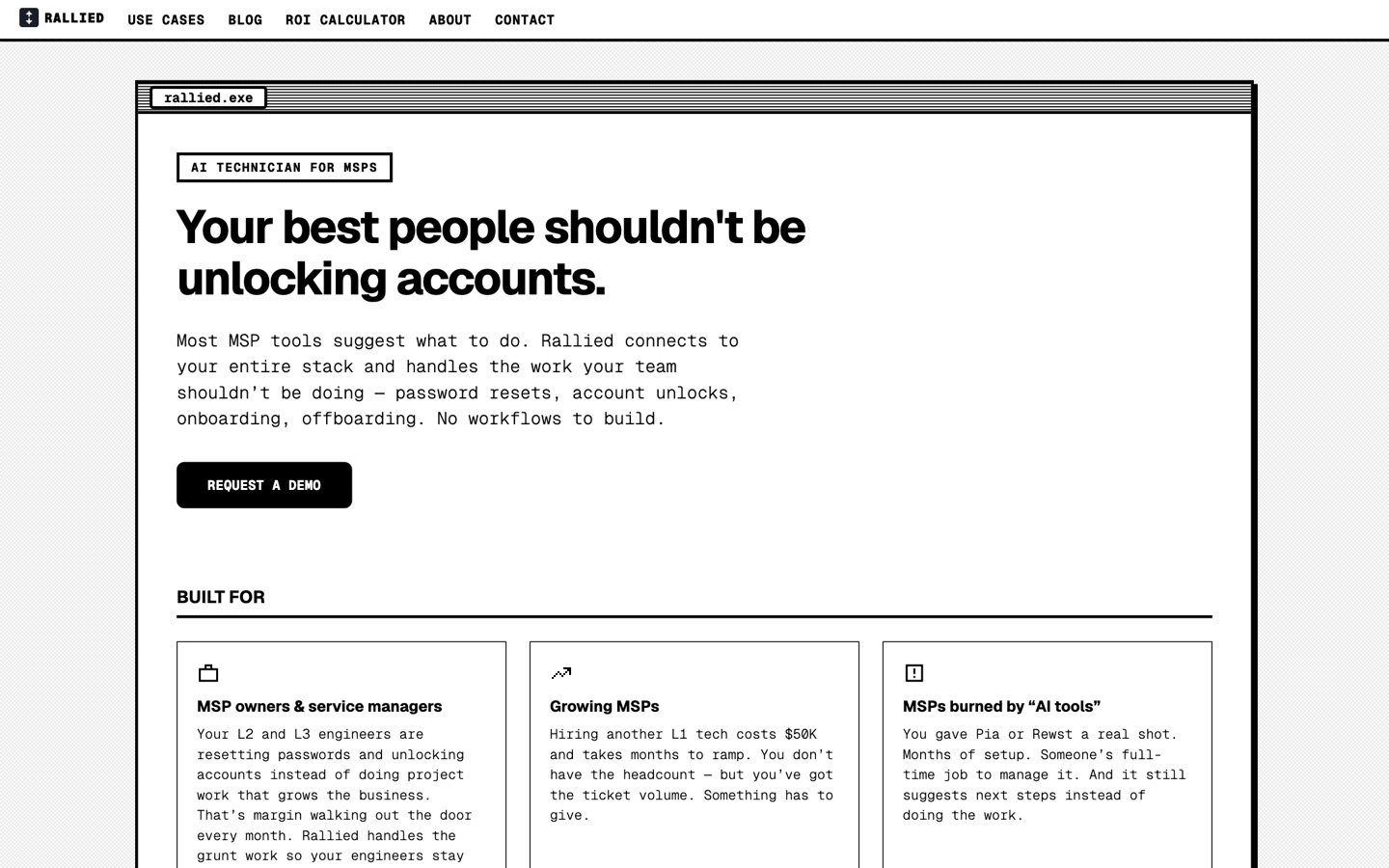
Rallied is our product. It connects to the PSA, RMM, identity systems, Microsoft 365, and documentation, then handles supported L1 and L2 work across those tools.
The target workflow is end to end: understand the request, collect context, make the change, verify it, notify the user, and update the ticket.
Supported examples include password resets, account unlocks, onboarding, offboarding, mailbox permissions, software installs, and RMM actions.
Rallied supports per-tool permissions, identity checks for sensitive requests, and approval gates where an MSP does not want unattended execution.
Rallied is $150 a month, billed monthly, with 2,000 credits included. Each ticket costs 1, 3 or 8 credits depending on how much work the agent did on it, so a typical month covers about 700 tickets. A ticket Rallied cannot finish is free.
What stands out:
- It is designed to use cross-stack context rather than only the PSA record.
- The MSP can start with approvals and widen autonomy by issue type.
- Pricing is public: one $150 monthly plan with 2,000 credits.
What to verify in a demo:
- Which actions are supported for your exact PSA, RMM, identity, and documentation stack.
- Which credit level (1, 3 or 8) your common ticket types land in.
- How failed verification, rollback, and escalation appear in the audit trail.
Best fit: MSPs that want supported tickets completed across several systems without building every workflow first.
Poor fit: teams that want a general automation canvas for finance, billing, sales, and every other MSP process.
Evidence note: this entry is first-party. Rallied is newer than Rewst, Pia, Atera, and Thread, and its independent public review footprint is still limited.
4. NeoAgent: broad MSP-stack automation with granular control
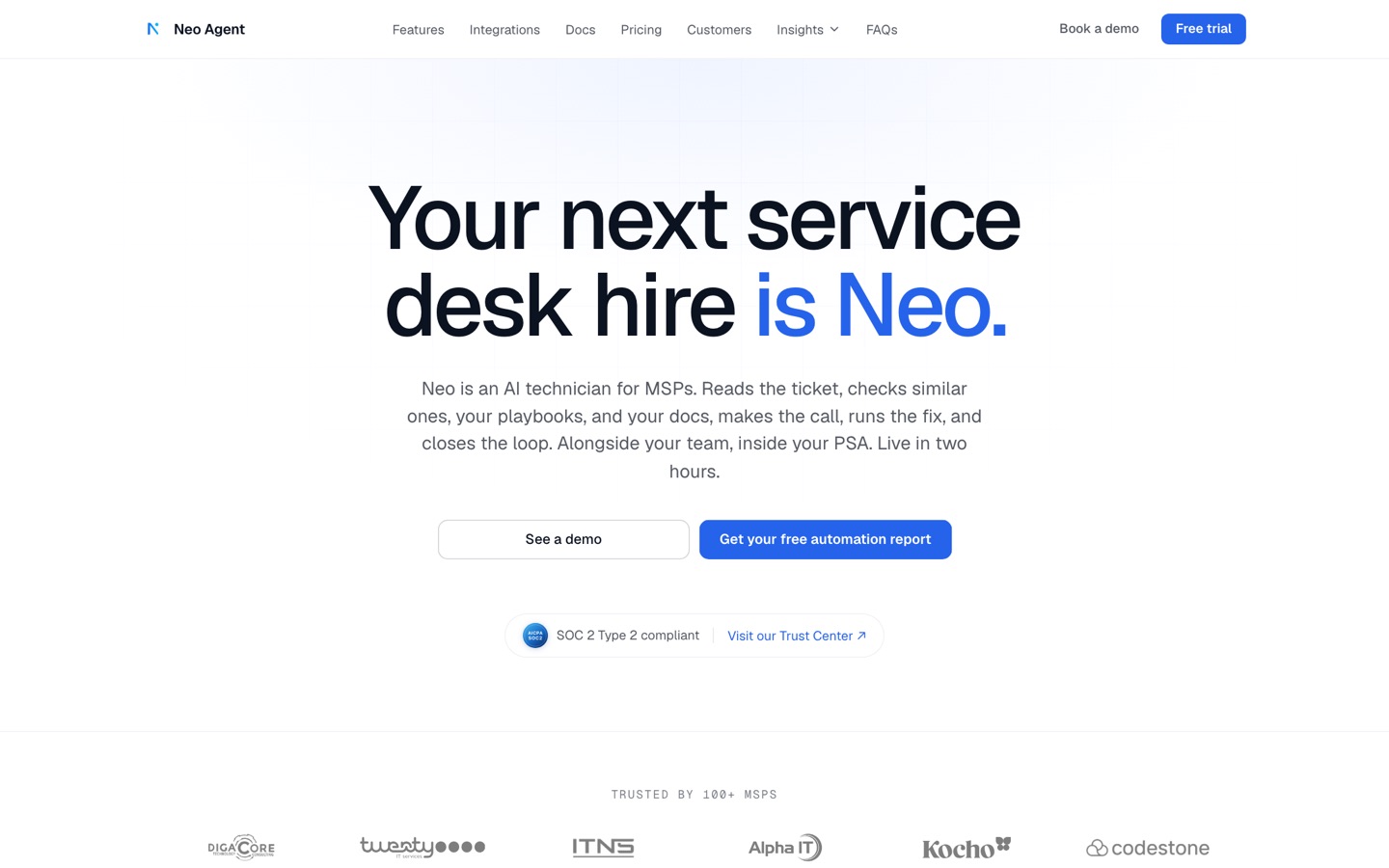
NeoAgent documents one of the broadest integration sets among the agent products in this guide.
Its current list covers ConnectWise, Autotask, HaloPSA, ServiceNow, major RMMs, IT Glue, Hudu, Entra, on-prem AD and Exchange, Pax8, and other distributor tools.
That corrects a common description of Neo as "PSA-native only." Its product now reaches well beyond the PSA.
Neo can propose an action, require approval, or run autonomously. It says every action is logged and reversible, with none, read, or write permissions set per tool.
Published pricing starts at $1,300 per month. Neo offers a 14-day trial and claims a two-hour initial setup. Treat the setup time as a vendor claim until tested in your environment.
What stands out:
- The integration catalog covers service desk, endpoint, identity, docs, distribution, and communications.
- Control can be set by action and tool instead of with one global autonomy switch.
- Neo publishes entry pricing and named customer case studies.
What to verify in a demo:
- Which integrations are native, which use a generic API tool, and which are services-led.
- How credits map to tickets with several actions or retries.
- What "reversible" means for identity changes, scripts, and third-party actions.
Best fit: MSPs seeking a cross-stack agent with a large documented integration catalog and several autonomy modes.
Poor fit: teams that want pure usage pricing or a full replacement for their service-desk interface.
5. Mizo: strong triage and dispatch, assisted resolution
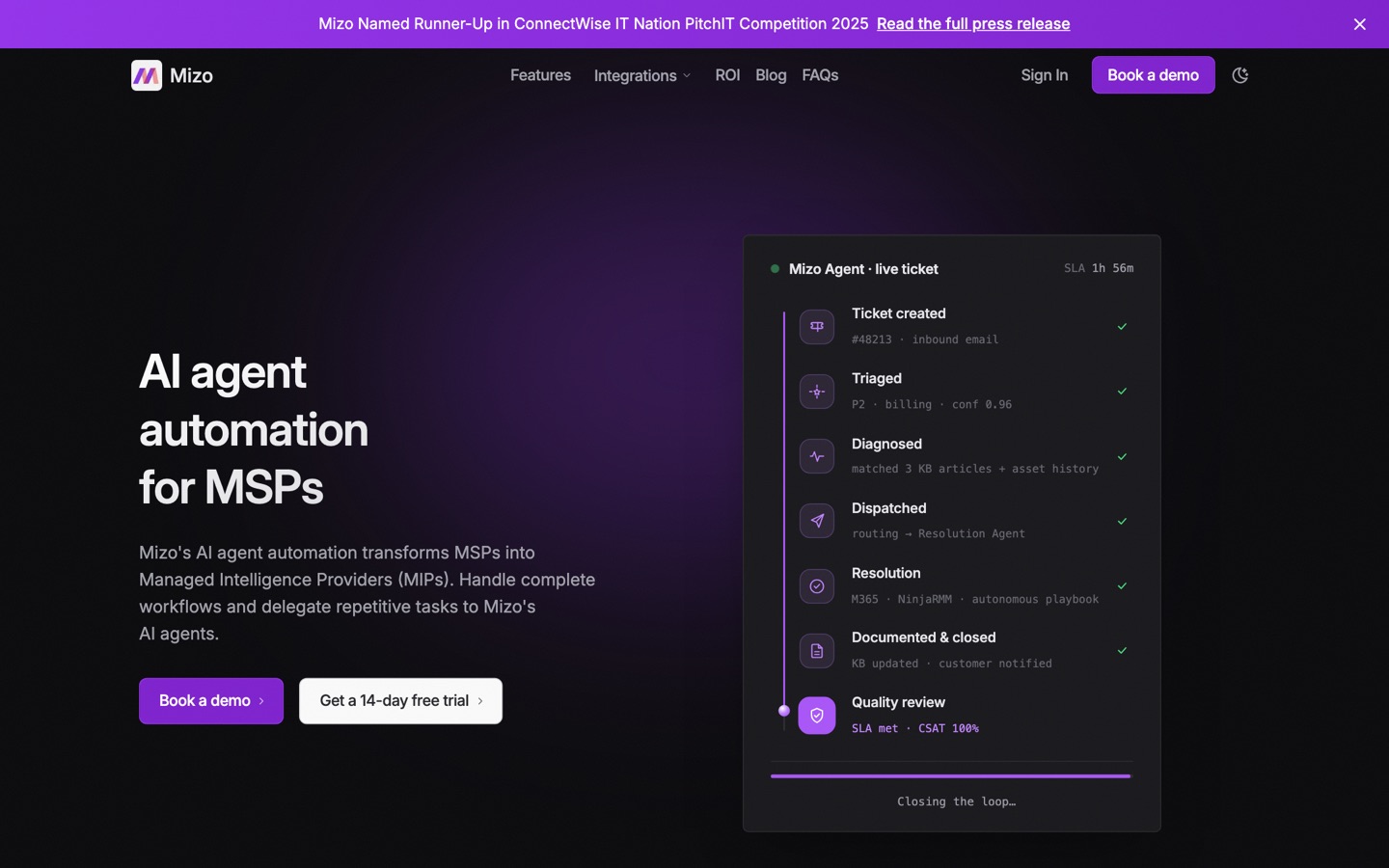
Mizo is strongest where many MSP queues first break down: classification, prioritization, agreement selection, and dispatch.
Its detailed product page describes solution suggestions, guided troubleshooting, and context-aware assistance for resolution. That is different from executing the fix without a technician.
Mizo also documents automated ticket notes and knowledge-base updates, with integrations for ConnectWise, Autotask, HaloPSA, IT Glue, Hudu, SharePoint, and Confluence.
The site uses broader "automated resolution" language in places. Until action-level documentation is clearer, we classify the public evidence as triage plus assisted resolution.
What stands out:
- It covers the dispatcher's workflow in detail, including skills, capacity, SLA, and agreement context.
- Documentation and knowledge updates are part of the same service-delivery layer.
- The vendor publishes named customer stories for its triage and service-delivery use cases.
What to verify in a demo:
- Which "Resolution Agent" tasks make changes, and which only provide steps to a technician.
- How accuracy is measured when tickets are ambiguous or missing information.
- Current pricing. The current site asks buyers to contact sales, so old per-ticket figures should not be assumed.
Best fit: MSPs that want to improve triage, dispatch, and documentation before handing complex work to technicians.
Poor fit: buyers whose main requirement is verified, unattended remediation.
6. Thread: an AI service desk, not only a ticket add-on
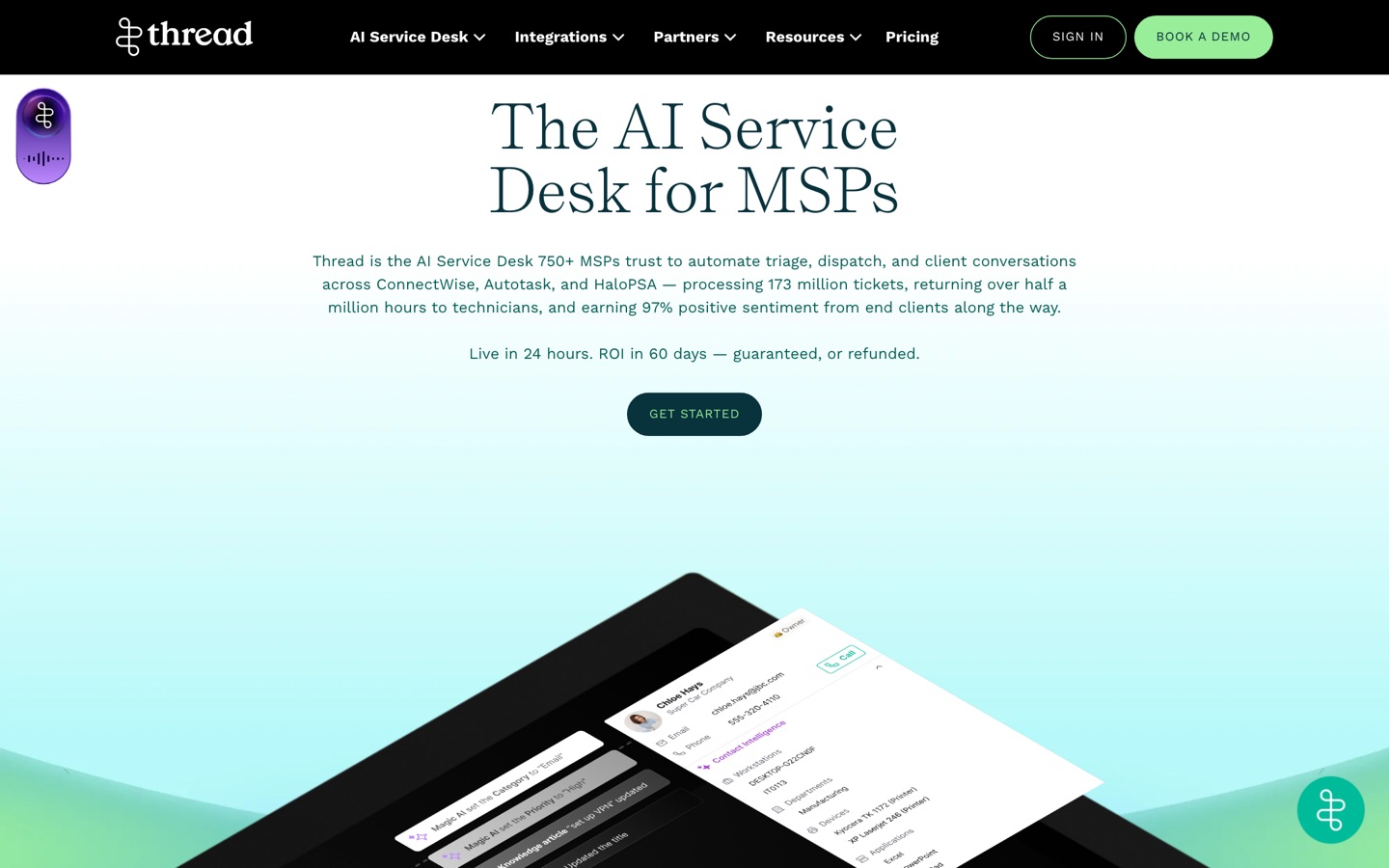
Thread combines an inbox, customer messaging, a triage agent, voice intake, reminders, and client intelligence.
Its own rollout guide says the Triage Agent handles 10–25% of issues with no technician. It also recommends an internal pilot and a staged customer rollout rather than a big-bang launch.
That matters more than the old "30-minute setup" claim. A workspace can be connected quickly, but a controlled service-desk rollout takes longer.
Thread supports ConnectWise, Autotask, and HaloPSA. Its documentation also covers RMM, documentation, automation, and MCP-style tool connections through Super Magic.
What stands out:
- Thread owns the conversation, queue, triage, reminders, and voice experience.
- Its public rollout guide names escalation rules and realistic adoption stages.
- The 10–25% zero-tech range is more useful than an unqualified autonomy claim.
What to verify in a demo:
- Which ticket types the Triage Agent resolves for MSPs with a stack like yours.
- The total cost across inbox, AI, voice, and customer rollout.
- Whether you are augmenting your current desk or moving technicians into Thread Inbox.
Best fit: MSPs that want a broader service-desk experience with AI across chat, email, and voice.
Poor fit: teams that only want a background execution agent and do not want to change their support interface.
7. Atera Robin: autonomous support inside a broader IT platform
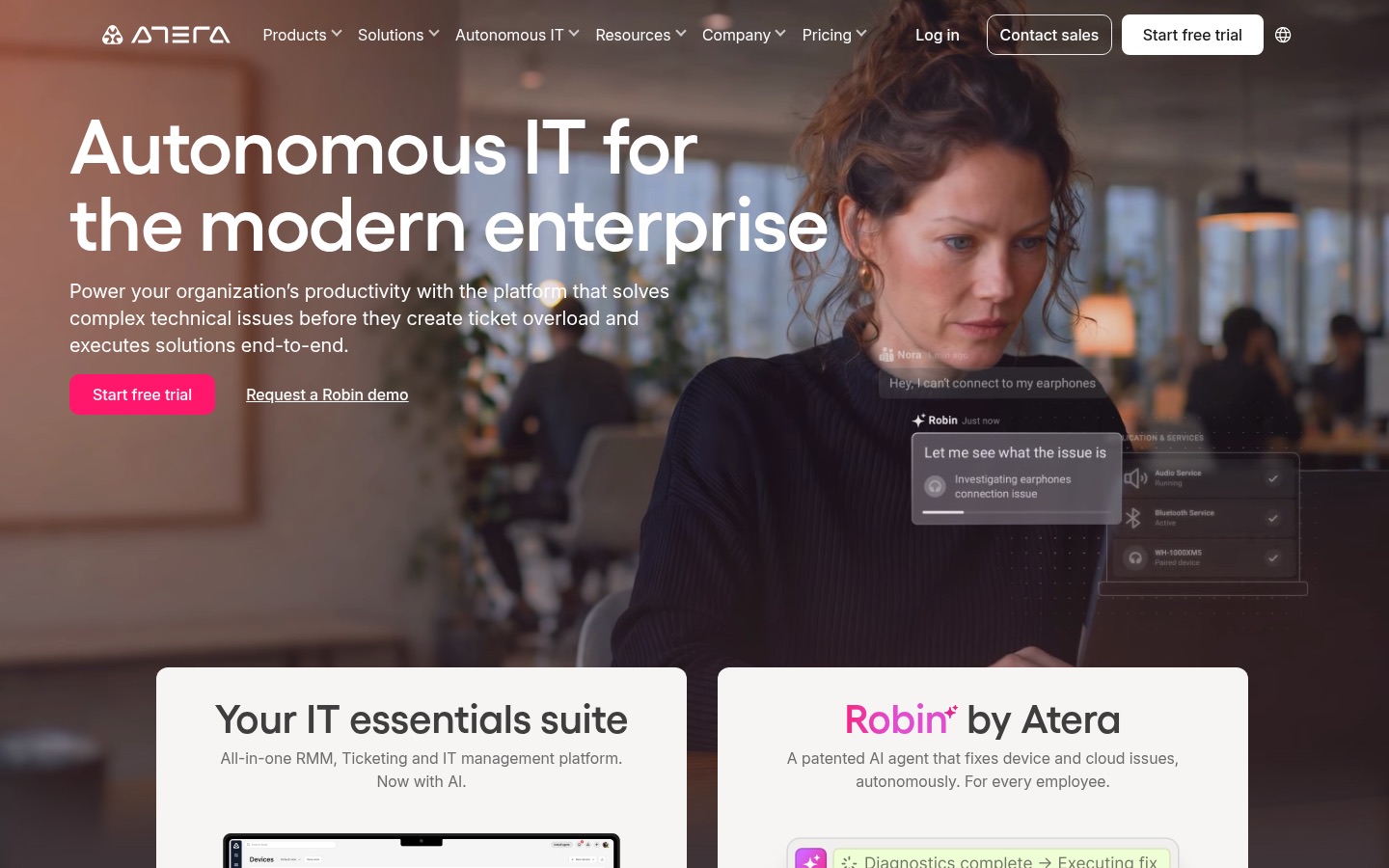
Robin is Atera's autonomous support agent. It receives requests, verifies users, gathers context, diagnoses issues, executes approved actions, and updates the ticket.
Atera documents identity verification, approval routing, permission-aware actions, audit logs, and escalation. Robin can run with Atera or connect behind an existing ITSM.
That last point is important. Describing Robin only as an add-on that forces a full Atera migration is no longer accurate.
Atera offers a vendor-backed guarantee of 50% autonomous resolution for eligible Tier 1 and complex Tier 2 tickets in 90 days, or it waives the fees.
The guarantee is stronger than a marketing percentage, but buyers still need the eligibility rules, baseline, exclusions, and measurement method in writing.
What stands out:
- Robin has one of the clearest public descriptions of intake, action, approval, audit, and closed-loop reporting.
- Atera provides detailed security and analytics documentation.
- The product can use Atera's endpoint context or connect to another ITSM.
What to verify in a demo:
- Whether Robin supports your MSP operating model and multi-tenant boundaries, not only internal enterprise IT.
- Which actions are included in the autonomy guarantee.
- Add-on pricing per end user and any platform requirements.
Best fit: Atera customers, or larger IT teams evaluating a broad autonomous support layer with formal controls.
Poor fit: MSPs that need a lightweight, MSP-specific overlay with public usage pricing.
8. Rewst: the broadest workflow platform in the group
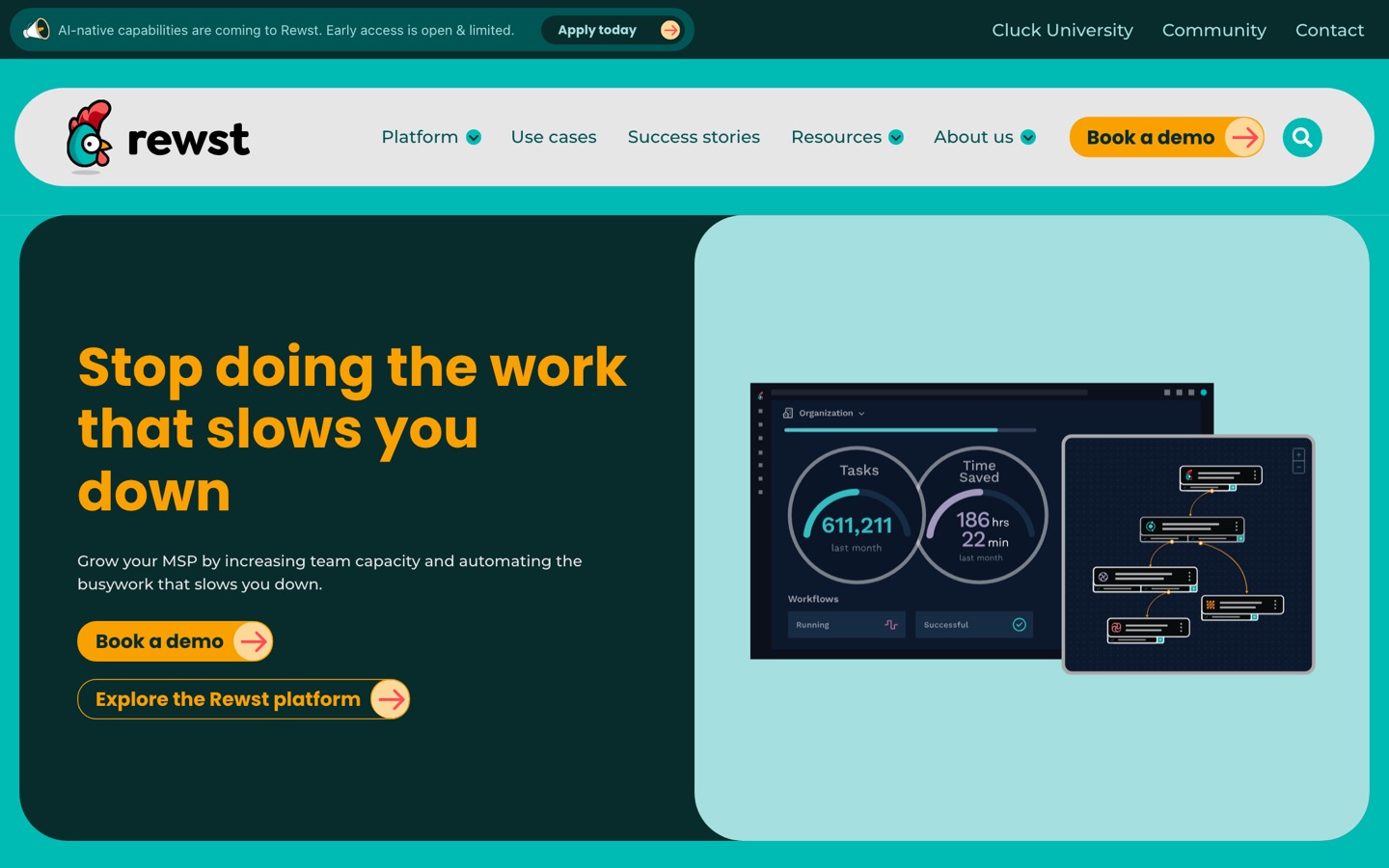
Rewst remains a multi-tenant automation platform, but calling it "not AI" is now outdated.
In March 2026, Rewst launched RoboRewsty's natural-language workflow builder.
Rewst says the builder can create workflows, triggers, tasks, transitions, code, Jinja, approvals, and documentation from a conversation.
The company now reports more than 90 integrations, 120 prebuilt Crates, and over 1,500 MSP customers. Those are vendor figures, but they show a much larger public footprint than most agent startups.
Rewst is still best understood as governed workflow execution. AI makes workflows easier to build; the workflow remains the operational contract.
What stands out:
- It can automate service desk, onboarding, billing, security, sales, and other MSP operations.
- Its integration and community footprint are hard for newer products to match.
- Natural-language generation lowers the initial builder burden.
What to verify in a demo:
- How much review a generated workflow needs before production use.
- Who owns process design, testing, credentials, break/fix, and long-term changes.
- Time to first useful automation for your team, not a polished demo template.
Best fit: MSPs that want one automation layer across the business and are willing to own an automation program.
Poor fit: teams that only want an agent to reason over unmodelled tickets and act without defining operational logic.
9. Bumblebee: managed custom automation with a handoff
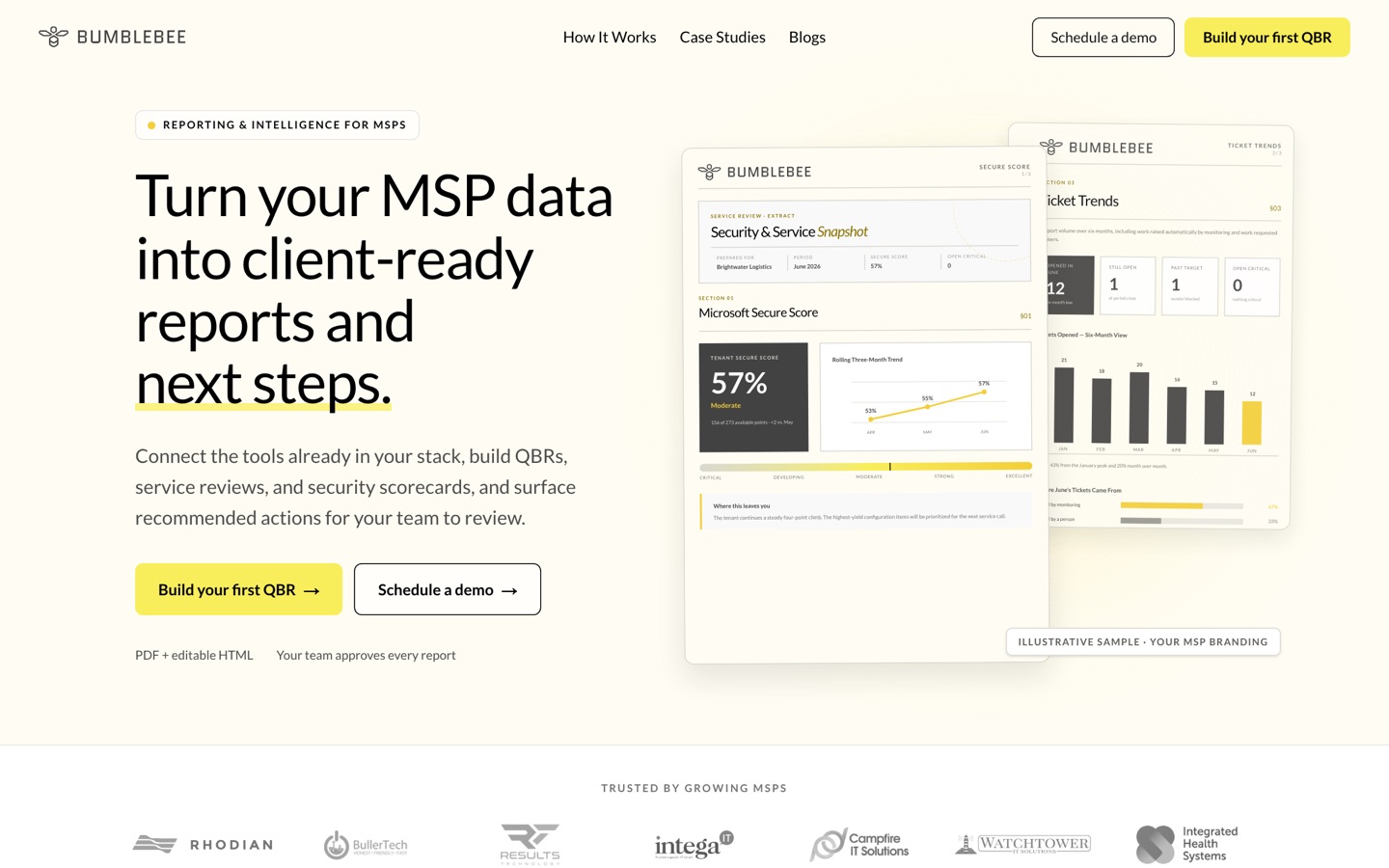
Bumblebee has changed from the simple "workflow builder in Slack" description that still appears in older comparisons.
Its current offer combines a hosted automation platform with professional services. Bumblebee maps a process, shadows the team, builds the workflow, and hands over the working automation and documentation.
The platform lists PSA, RMM, documentation, Microsoft 365, security, backup, finance, and distribution integrations.
Public pricing starts at $250 per month for 500 automation runs. A professional-services engagement starts at $3,000 for one automation, with a 30-day go-live target.
What stands out:
- The managed build reduces the blank-canvas problem that stalls many automation purchases.
- Ownership transfer is part of the offer.
- RBAC, approvals, and audit are documented platform features.
What to verify in a demo:
- What "owned by you" includes: source, credentials, hosting rights, and portability.
- The maintenance boundary after handoff.
- How run pricing behaves for loops, retries, partial failures, and multi-client jobs.
Best fit: MSPs with a known process that want a vendor to build the first production workflow and teach the team how to own it.
Poor fit: MSPs seeking a general agent that can pick up any new ticket without a defined automation.
10. Pia: prebuilt service-desk automation with growing AI features
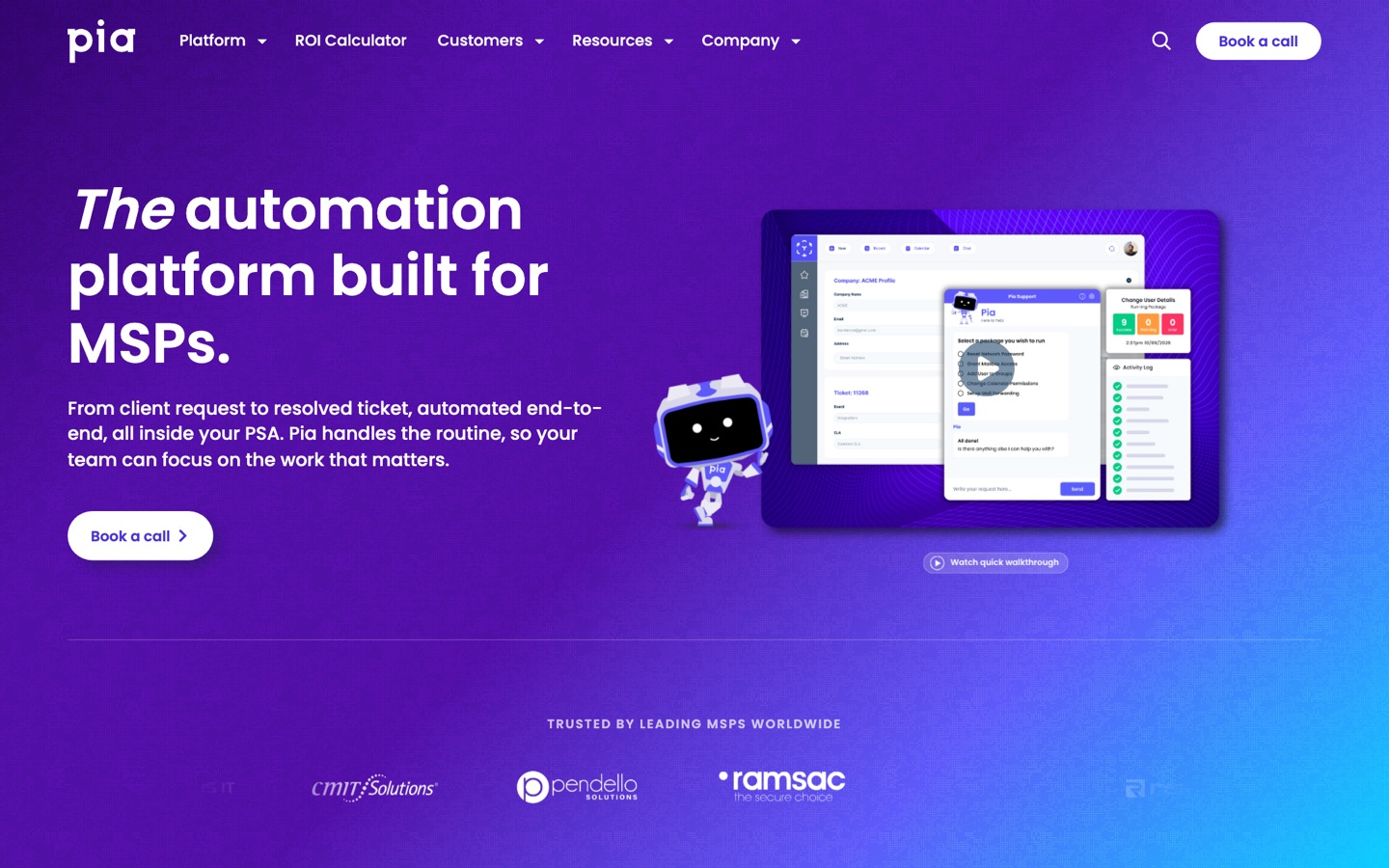
Pia packages common service-desk work into more than 60 built-in automations called PiaPacks.
Automation Hub lets MSPs install PiaPacks, use them as building blocks, and extend them with blueprints. SmartForms support end-user self-service and zero-touch flows for defined requests.
Pia is not limited to the PSA record. Its documentation covers Microsoft Graph, Microsoft 365 automations, identity checks, and integrations used during execution.
That makes the old claim that Pia "cannot reach M365 directly" incorrect.
What stands out:
- Prebuilt packs shorten the path for common identity and service-desk tasks.
- Challenge User Identity supports Microsoft MFA, Duo, SMS, and email verification paths.
- The platform has mature compliance and implementation documentation.
What to verify in a demo:
- Which PiaPacks match your exact tenants and policies without custom work.
- The administration required after rollout.
- Current pricing, usage limits, and costs for custom automation.
Best fit: MSPs that want packaged help-desk workflows, self-service, and structured identity controls.
Poor fit: teams that want every novel ticket handled through open-ended agent reasoning.
Evidence note: some MSPs report significant tuning and administration in public forums. Treat those comments as implementation anecdotes and ask Pia for comparable customer references.
What G2 reviews and MSP discussions add
Independent user evidence is useful here, but uneven. As checked in August 2026, mature platforms have far more public reviews than newer AI-native products.
Atera has a 4.6/5 G2 rating across more than 1,200 reviews. That is strong evidence of platform adoption, not an independent score for Robin's autonomous-resolution features.
Rewst has a 4.3/5 G2 rating from five reviews. Reviewers praise its integrations and time savings while also describing a learning curve. Five reviews remain too few for a market-wide conclusion.
Mizo has a 5/5 G2 rating from one review. It supports Mizo's claims about categorization, assignment, and priority changes.
One customer's experience is not a representative sample.
G2 says Thread AI does not yet have enough reviews to provide buying insight. That absence is worth reporting because it limits independent validation of the vendor's resolution claims.
Recent r/msp discussion of AI ticketing tools is mixed.
Practitioners report value from summaries and triage, but less consistent end-to-end resolution.
The same caution appears in discussions of established workflow products. A Rewst versus Pia thread includes praise for both tools.
It also raises concerns about setup, staffing, and gaps between a controlled demo and production.
A newer Pia aiDesk discussion contains similarly mixed reports.
Some users describe useful repetitive triage; others report lengthy or unsuccessful implementations.
These sources do not replace technical validation. They sharpen the questions to ask: how much work reaches verified resolution, who maintains the system, and what changed between the demo and production.
Tools we considered but did not include in the main ten
The market is moving too quickly for a fixed list to cover every credible product.
Junto is a direct agentic contender with public integration and production-use claims. It belongs on a buyer's longlist, but we found less public detail on governance and pricing than the ten profiles above.
DeskDay Helena sits inside a broader PSA and service-desk product. It is relevant for buyers considering DeskDay, but harder to compare as a standalone automation layer.
ConnectWise Sidekick, Kaseya's native AI, and other PSA copilots are worth evaluating when they come with your platform. We excluded general copilots unless they documented meaningful ticket action or resolution.
ResolvCmd publishes useful analysis of the category. Its current public footprint is better suited to market research than a like-for-like product profile here.
We will add or replace products when their public capabilities, availability, and evidence justify it. The number ten is an editorial boundary, not a claim that only ten products matter.
How to choose without getting trapped by the demo
Start with five questions.
1. What exact outcome do you need?
Choose one: cleaner triage, faster technician work, governed execution, unattended resolution, a new service-desk interface, or broad business automation.
If the answer is "all of it," split the evaluation. A single polished demo can hide five separate operating models.
2. What counts as resolved?
Ask the vendor to show the system change, the verification step, the PSA record, the user communication, and the failure path.
Do not count drafted replies, ticket deflection, or a changed status as autonomous resolution.
3. Where does context come from?
A ticket rarely contains enough information. List the systems needed for the fix: PSA, RMM, identity, M365, documentation, security, billing, and line-of-business apps.
Then ask which integrations are read-only, which can act, and which depend on custom work.
4. How does the MSP control risk?
Look for per-action permissions, requester verification, approvals, tenant isolation, complete audit logs, rollback, timeout behavior, and clear escalation.
"Human in the loop" is not enough. Ask which human, at what point, with what evidence, and what happens if nobody responds.
5. What will your team own after launch?
Someone owns policy, credentials, exceptions, testing, and change management. The vendor may do that work, your team may do it, or the product may divide it between you.
Price the owner, not only the license.
A practical evaluation protocol
Use the same synthetic tickets for every shortlisted vendor. Keep real client data and production credentials out of the trial unless your security process has approved them.
Suggested cases:
- An ambiguous password reset from an unverified requester.
- A new-user onboarding request with missing role and manager details.
- A noisy RMM alert with a known false-positive pattern.
- A locked account that needs a technical change and end-state verification.
- A request outside policy, such as elevated access without approval.
- A ticket the system cannot resolve safely.
Record classification, questions asked, first action time, human touches, system changes, verification, audit detail, rollback, and final user communication.
Run each case more than once. One successful demo tells you the path exists. Repeated runs show whether it is dependable.
If a vendor only offers a guided demo, label the result "vendor demonstrated." Do not put it in the same evidence column as an independently run trial.
The corrected ROI math
An MSP handling 200–400 automatable tickets per month at 15 minutes each spends 50–100 technician hours on that work.
At a fully loaded cost of $35–$50 per hour, the direct monthly labor cost is $1,750–$5,000. The previous version of this article incorrectly stated $7,000–$15,000.
That correction does not make automation a weak investment. It makes the business case testable.
Add implementation time, administration, false actions, escalations, platform fees, and unused capacity. Then subtract verified technician time returned and any faster-response value you can measure.
Use our MSP automation ROI calculator for a starting model, then replace every assumption with your own ticket data.
To see how Rallied handles this inside your PSA, read about AI Ticket Triage and Routing for MSPs.
Frequently asked questions
What is the best AI tool for MSP ticket automation?
There is no single winner. Rallied and NeoAgent target cross-stack resolution. zofiQ is strongest for a ConnectWise-native path. Thread owns more of the service desk. Rewst is stronger for broad workflow automation.
Which tools actually resolve tickets?
Rallied, NeoAgent, zofiQ, Atera Robin, and some Thread flows document action beyond triage. Everest documents approved execution. Rewst, Bumblebee, and Pia resolve defined work through workflows or automation packs.
Coverage varies by issue, integration, permission, and policy. Ask every vendor to separate assisted, human-approved, and unattended outcomes.
Which tool has the broadest integration coverage?
Rewst publishes the broadest workflow-platform catalog in this group. NeoAgent documents a wide agent integration set. Rallied connects across PSA, RMM, identity, Microsoft 365, and documentation for supported work.
Count action-capable integrations, not logos. A connector that can search or summarize is not equal to one that can make and verify a change.
How much do MSP AI tools cost?
Public models vary. Rallied is $150 a month for 2,000 credits, about 700 tickets in a typical month. NeoAgent starts at $1,300 per month. Bumblebee starts at $250 per month, plus services from $3,000.
Most other products in this guide use contact-sales pricing. Request the total first-year cost, including setup, modules, voice, usage, services, and the staff time needed to run it.
How long does implementation take?
Vendor claims range from hours to weeks. A connected account is not the same as a safe production rollout across clients.
Measure time to the first verified outcome, then time to repeatable coverage across several ticket types and client environments.
Is autonomous ticket resolution safe?
It can be safer than an improvised manual process when identity, permissions, approvals, verification, audit, and rollback are designed well.
It can also automate a mistake at scale. Start with synthetic tests and low-risk work, review every action, then expand autonomy only when the evidence earns it.
How often should this comparison be updated?
Quarterly is the minimum for this market. Acquisitions, pricing changes, new integrations, and shifts from assistance to execution can make a profile stale within weeks.
Research for this version was checked in August 2026. Have a correction or a product we should re-evaluate? Contact us.
