Pia AI review 2026: Pia automation features, pricing, and MSP fit
Pia AI is an automation platform for MSPs that triages tickets, runs pre-built automations for onboarding, offboarding, access, and mailbox requests, and offers a Teams chat app for end users. It works with ConnectWise, Autotask, and HaloPSA. Pia doesn't publish pricing, so every MSP gets a custom quote.
This is not a review of PIA VPN (Private Internet Access). If you're looking for a VPN service, you're in the wrong place. This is a review of Pia AI, also known as Pia aiDesk, an AI-powered help desk automation platform built specifically for Managed Service Providers.
Pia promises to slash your SLAs, close tickets faster, and help you scale without hiring more technicians. Those are big claims. After digging into their features, pricing, and real user feedback, here's what you actually get for your money and whether it's worth the investment for your MSP.
If you're evaluating automation options, you might also want to see how we approach MSP automation at Rallied as a point of comparison.
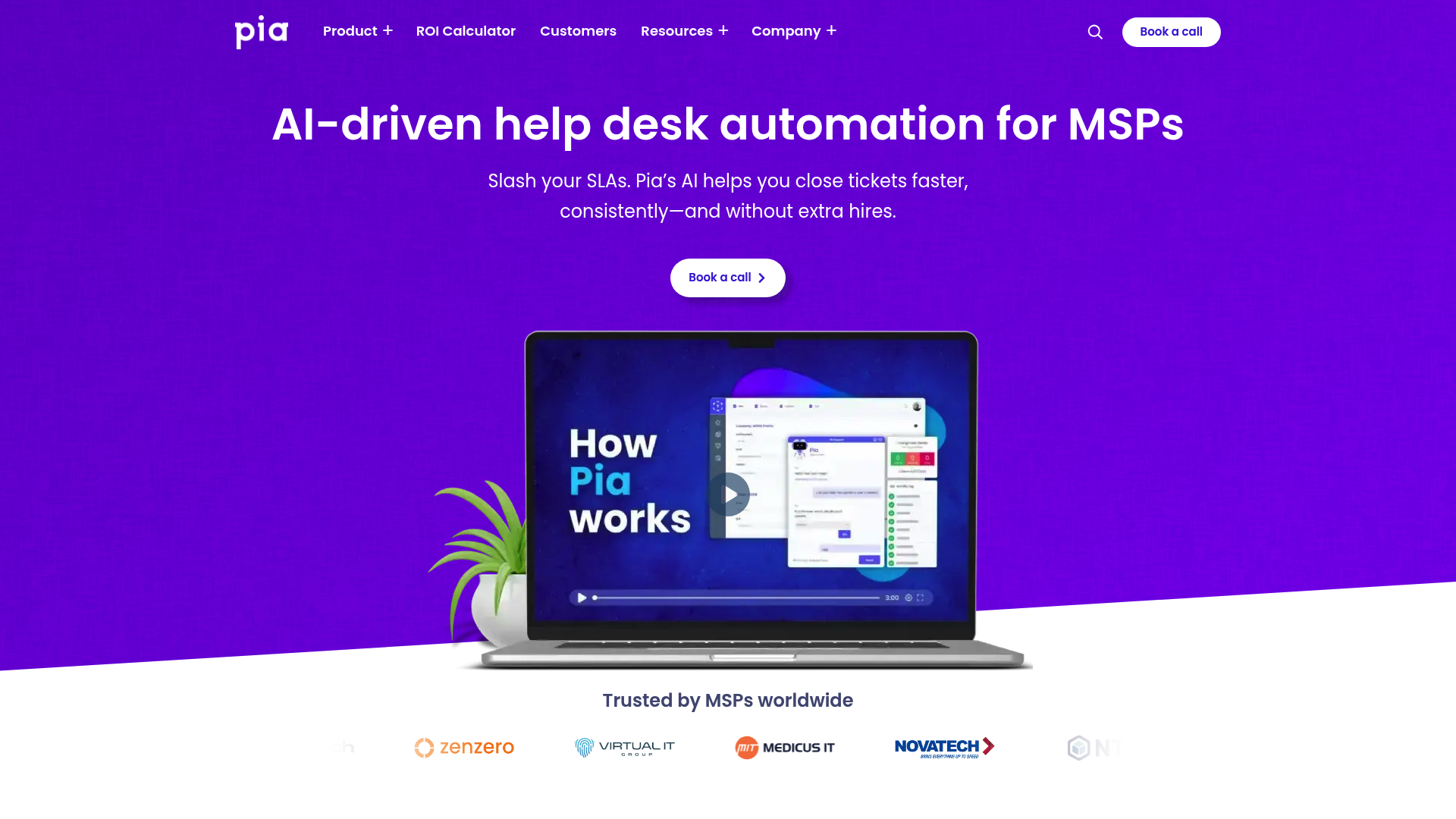
What is Pia AI?
Pia AI is an AI-driven service delivery platform that focuses on automating the repetitive, time-consuming tasks that bog down MSP help desks. The core pitch is simple: let AI handle ticket triage and routine resolutions so your technicians can focus on complex issues that actually require human expertise.
The platform integrates directly with your existing PSA (Professional Services Automation) tools like ConnectWise, Autotask, and Halo PSA. It doesn't try to replace your ticketing system. Instead, it sits on top and automates the workflows within it.
AutoTriage and AutoStart
The flagship features are AutoTriage and AutoStart. Here's how they work:
AutoTriage uses AI to automatically categorize and route incoming tickets. Instead of a technician manually reading each ticket, deciding which board it belongs on, and assigning priority, Pia does this instantly. As Pia's COO Terry Irons put it: "If you ask 10 technicians to categorize the same ticket, you'll get 10 different answers, whereas the AI can do that consistently and instantaneously every time."
AutoStart takes it a step further by automatically initiating resolution workflows. For common issues like password resets or account unlocks, Pia can start the fix before a technician even sees the ticket.
The platform also includes Auto Time Logging (to ensure you're billing accurately for automated work) and Auto Close (to prevent resolved tickets from sitting in queues).
Pia Chat, SmartForms, and client self-service
Pia groups its end-user features under Pia Engage. Pia Chat is a Microsoft Teams app with a built-in AI assistant, so users can ask for help and trigger fixes from Teams instead of emailing the help desk. Some MSPs call it the Pia chatbot.
Pia's SmartForms add-on lets clients self-trigger automations without creating tickets that hit your technician queue. A client fills out a form requesting a password reset or new user setup, and Pia handles the rest. No technician involvement required.
This reduces inbound volume and eliminates the back-and-forth emails that typically accompany these requests. Clients get faster resolution, and your team gets fewer interruptions.
Pre-built automation library
Pia now advertises hundreds of pre-built automations, sold in bundles it calls PiaPacks, covering the most common MSP tasks: user onboarding/offboarding, mailbox management, group membership changes, VPN troubleshooting, and more. These aren't just templates, they're fully functional workflows you can deploy immediately.
For MSPs with specific needs, Pia also supports custom automation development using PowerShell. This lets you build workflows tailored to your environment without hiring dedicated automation engineers.
Pia AI pricing: What you'll actually pay
Here's where things get murky. Pia does not publish pricing. There are no standard tiers, no self-serve signup, and no "starts at $X/month" on their website. You have to book a demo and talk to sales to get a quote.
Based on SelectHub's analysis, pricing appears to start in the $10-$100 range per month, but scales based on usage, number of technicians, or endpoints managed. The model is likely usage-based or per-technician.
| Plan | Price | Best For |
|---|---|---|
| Custom Quote | Contact sales | MSPs of all sizes |
This pricing opacity makes budgeting difficult, especially for smaller MSPs. You can't quickly calculate ROI or compare costs against alternatives without going through a sales process. For some, that's a minor inconvenience. For others, it's a red flag.
What users actually say about Pia AI
User feedback on Pia is mixed but generally positive, with some important caveats. Here's the honest breakdown.
The positives
Pia scores well on review platforms:
Users consistently praise AutoTriage for reducing the mental load on technicians. Instead of constantly context-switching to categorize tickets, techs can focus on actual problem-solving. The interface also gets high marks for being intuitive, requiring minimal training to get started.
One MSP reported increasing their endpoint-to-technician ratio from 190 to 357 after implementing Pia, with profitability jumping from 13% to 24%. Those are real numbers from a Channel Pro Network case study.
The complaints
The negative feedback falls into a few clear categories:
- Limited customization: Some users find Pia's workflow and ticket category customization options restrictive compared to building automations from scratch
- Integration constraints: Certain legacy systems don't play nicely with Pia, causing deployment headaches
- Setup complexity: The initial configuration requires significant time and technical expertise. This isn't a "install and go" solution
- AI accuracy: While generally reliable, AutoTriage occasionally miscategorizes tickets, requiring manual correction
- Pricing concerns: Multiple users note that Pia costs more than competing solutions, though they often justify the expense through time savings
Pia AI vs alternatives: How it compares
Since "Pia vs Rewst" is a common search, here is how Pia compares with Rewst and with Rallied.
| Pia AI | Rewst | Rallied | |
|---|---|---|---|
| Approach | Pre-built automations plus AI triage | Build-your-own workflow automation | AI agent that resolves requests in your PSA |
| Setup | Deploy packs, then configure for your environment | Build and maintain your own workflows | Connect your PSA, RMM, and Microsoft 365 |
| PSAs | ConnectWise, Autotask, HaloPSA | ConnectWise, Autotask, HaloPSA, and others | ConnectWise, Autotask, HaloPSA |
| Pricing | Custom quote | Subscription (see our Rewst pricing breakdown) | $150/month for 2,000 credits (about 700 tickets in a typical month) |
Pia AI vs Rewst
Rewst is Pia's most frequently mentioned competitor, and our Rewst vs Pia comparison goes through it in detail. Both target MSPs with automation tools, but their approaches differ:
- Pia emphasizes out-of-the-box automations that work with minimal configuration
- Rewst focuses on workflow building and customization, which gives you the tools to build exactly what you need but takes more upfront work
Pia is arguably faster to deploy for standard MSP tasks. Rewst offers more flexibility for complex, unique environments. Both require setup time and technical expertise to implement well.
For more options, see our Pia AI alternatives roundup, the Pia alternative analysis, and the Rewst alternative analysis.
Who Pia AI fits and whether it's worth it
Pia AI isn't for every MSP. Based on the features, pricing model, and user feedback, here's who should consider it:
Good fit if:
- You run an MSP with 200-1000 endpoints
- Your team is drowning in L1 tickets (password resets, onboarding, mailbox changes)
- You have dedicated IT resources for initial setup and ongoing management
- You prefer pre-built solutions over custom development
- You run a cloud-hybrid environment (on-prem AD + Office 365)
Not a fit if:
- You need highly customized workflows that differ significantly from standard MSP practices
- You're a small MSP with tight budgets and no technical resources for implementation
- You rely heavily on legacy systems with limited integration options
- You want transparent, self-serve pricing
The bottom line
Pia AI delivers real automation value for MSPs willing to invest in the setup. The pre-built automations work, the AI triage is genuinely helpful, and the integration ecosystem covers the tools most MSPs use daily. If you're struggling with ticket volume and have the resources to implement it properly, Pia can absolutely help you scale without adding headcount.
But the custom pricing, setup complexity, and customization limitations are genuine concerns. This isn't a magic bullet you install on Friday and forget about. It requires ongoing attention and technical expertise to maintain and optimize.
If you're evaluating options, consider what you're really trying to solve. If it's L1 ticket overload and you want something that just handles the work without complex setup, we built Rallied for exactly that scenario. Rallied is an AI agent that resolves requests in your PSA, with no workflow building or dedicated automation admin, priced at $150 a month for 2,000 credits, about 700 tickets in a typical month. Every MSP's needs are different, so evaluate based on your specific constraints, technical resources, and growth goals.
To see how Rallied handles this inside your PSA, read about AI Ticket Triage and Routing for MSPs.
Frequently Asked Questions
Is Pia AI the same as PIA VPN?
No. Pia AI (Pia aiDesk) is an MSP automation platform for help desk ticketing. PIA VPN (Private Internet Access) is a virtual private network service. They are completely different products from different companies.
How much does Pia AI cost per month?
Pia AI does not publish pricing. You must contact sales for a custom quote. SelectHub estimates pricing starts in the $10-$100 range but scales with usage, technicians, or endpoints managed.
Does Pia AI require coding to set up?
No coding is required for the pre-built automations. However, setting up Pia and configuring it for your environment does require technical expertise. Custom automations can be built using PowerShell if you have development resources.
What PSAs does Pia AI integrate with?
Pia integrates with ConnectWise, Autotask, and Halo PSA. It also connects to identity management tools (Azure AD, Active Directory), documentation platforms (IT Glue), and various cloud service providers.
How long does Pia AI take to implement?
Implementation time varies based on your environment complexity and the automations you want to deploy. User feedback suggests initial setup requires significant time and dedicated IT resources, though Pia claims faster time-to-value than building custom workflows from scratch.
