7 Best MSP Automation Tools in 2026: Tested for IT Teams
Every hour your technicians spend on password resets, account unlocks, and ticket triage is an hour they're not spending on projects that actually grow your business. That is the math of MSP operations, and it is why automation has moved from "nice to have" to "survival requirement."
The right MSP automation tools can reclaim 30-80 hours of technician time per month. The wrong ones just add another dashboard to check and another subscription to manage.
I evaluated seven platforms that actually move the needle on automation: three purpose-built automation layers that sit on top of your existing stack, and four all-in-one platforms with native automation capabilities. Here is what I found.
How we evaluated these MSP automation platforms
To make this comparison useful, I tested each platform using a consistent set of criteria:
- Automation Depth Can it handle complex multi-step workflows, or just simple triggers? Does it require scripting knowledge or offer no-code options?
- Integration Ecosystem How well does it connect to the tools MSPs actually use: ConnectWise, Datto, NinjaOne, HaloPSA, IT Glue, M365?
- Time to Value How long from signup to first meaningful automation running?
- Pricing Transparency Is pricing public, or hidden behind sales calls? Is the model sustainable as you scale?
- AI Capabilities Does AI actually execute work, or just suggest next steps?
Comparison table: 7 MSP automation tools at a glance
| Tool | Category | Pricing Model | Starting Price | Best For |
|---|---|---|---|---|
| Rewst | Automation Orchestration | Custom/Quote | Contact sales | MSPs wanting cross-platform automation |
| Atera | All-in-One | Per-technician | $149/tech/mo | High endpoint counts, AI-first approach |
| Rallied | AI agent that resolves requests in your PSA | Monthly plan with credits | $150/mo for 2,000 credits | MSPs that want tickets resolved without building workflows first |
| SuperOps | All-in-One | Per-technician | £139/tech/mo | Modern MSPs wanting unified PSA/RMM |
| HaloPSA | PSA + Automation | Per-agent | £69/agent/mo | PSA-focused with transparent pricing |
| Syncro | All-in-One | Per-user | $99/user/mo | True all-in-one with embedded scripting |
| NinjaOne | RMM + Automation | Per-device | $1.50/endpoint/mo | Device-based pricing, best-in-class RMM |
1. Rewst
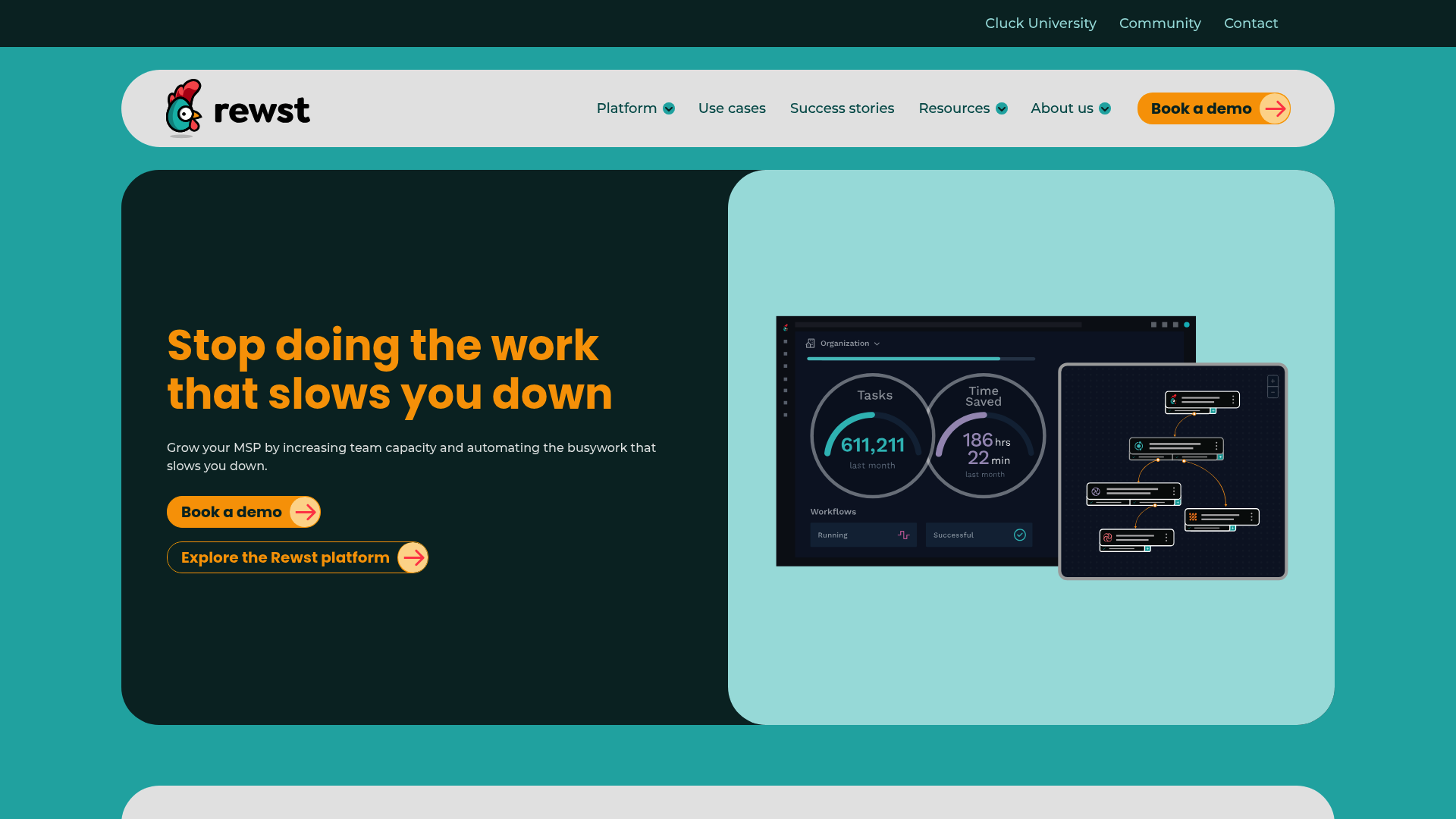
Rewst is an automation platform purpose-built for MSPs. Unlike RMM or PSA tools that bolt on automation as a feature, Rewst was designed from the ground up as an automation-first platform that connects to your existing stack.
Key features
- Workflow Builder Visual designer for building custom automations without coding
- Prebuilt Automations ("Crates") Ready-made workflows for common MSP tasks, maintained by Rewst as vendor APIs change
- RoboRewsty In-platform AI assistant that helps build, analyze, and document workflows
- 80+ Integrations Native connections to ConnectWise, Datto, HaloPSA, NinjaOne, IT Glue, M365, and more
What you can automate
Rewst handles the repetitive tasks that drain your day: new user onboarding (provisioning accounts, assigning licenses, setting access), form-triggered workflows for self-service, documentation automation that syncs to your PSA, security alert filtering and auto-remediation, billing reconciliation to find unused seats, and offboarding that revokes access and reclaims licenses in one pass. Rewst's 80+ integrations include ConnectWise, Datto, HaloPSA, NinjaOne, IT Glue, and M365.
Pricing
Rewst uses custom pricing (contact sales). Based on market positioning, they typically charge per-technician or based on workflow volume. This lack of transparent pricing is a drawback for smaller MSPs who want to evaluate costs quickly.
Pros and cons
| Pros | Cons |
|---|---|
| True multi-tenancy built for MSPs | No public pricing |
| Maintained integrations (they handle API changes) | Requires existing PSA/RMM investment |
| Platform-agnostic (works with any stack combination) | Learning curve for complex workflows |
| Strong community and training (Cluck University) |
Verdict
Rewst is the best choice if you've already invested in PSA and RMM tools and want to add sophisticated automation without replacing your core stack. One MSP reported averaging 75-80 hours of time savings per week after full implementation. It's overkill for smaller shops, but powerful for 5+ technician teams with repetitive processes across multiple tools.
2. Atera
Atera positions itself as "the #1 AI platform for IT management" with built-in AI agents that handle incidents from detection to resolution. It's a true all-in-one: RMM, PSA, ticketing, and AI in a single interface.
Key features
- IT Autopilot Autonomous AI agent that resolves up to 40% of routine tasks without human intervention
- AI Copilot Real-time AI assistant for technicians providing context-aware suggestions
- RMM + PSA + Ticketing Unified platform with no integration complexity
- Network Discovery Complete IT infrastructure visibility and device mapping
What you can automate
Atera's IT Autopilot handles password resets, software deployments, and common troubleshooting without technician involvement. The AI Copilot assists with script generation, ticket replies, knowledge base creation, and root cause analysis. One technical lead reported going from 30 minutes of Googling to 30 seconds to generate scripts using the AI Copilot.
Pricing
| Plan | Annual Price | Monthly Price | Key Features |
|---|---|---|---|
| Professional | $149/tech/mo | $169/tech/mo | Core RMM/PSA, 2 Splashtop sessions, 15GB file transfer |
| Expert | $189/tech/mo | $229/tech/mo | Unlimited Splashtop, AnyDesk, 50GB transfer |
| Master | $219/tech/mo | $269/tech/mo | Custom reports, 80GB transfer, data recovery |
| Enterprise | Custom | Custom | SSO, 7-year audit logs, 99.9% SLA, HIPAA BAA |
Add-ons: AI Copilot ($95/tech/mo), Network Discovery ($29/tech/mo)
Pros and cons
| Pros | Cons |
|---|---|
| True all-in-one (no integration headaches) | AI Copilot is expensive ($95/tech/mo add-on) |
| Pay-per-technician with unlimited endpoints | IT Autopilot limited on lower tiers |
| Gartner Visionary recognition | Higher starting price than competitors |
| Strong compliance certifications (SOC 2, ISO 27001, HIPAA) |
Verdict
Atera makes sense if you want to consolidate tools and use autonomous AI capabilities. The pay-per-technician model benefits MSPs with high endpoint counts. Just factor in the AI Copilot cost ($95/tech/mo) if you want the full AI experience, it pushes the real price to $244-314/tech/mo.
3. Rallied
Best for: MSPs that tried a workflow platform and ended up with a person whose job is the tool.
Most MSP automation tools ask you to build the workflow first: triggers, variables, and a branch for every client's exception. Rallied is an AI agent that resolves requests in your PSA, and it starts from the ticket. For an endpoint ticket, it matches the device in your RMM (Datto RMM, NinjaOne, N-central, ConnectWise Automate) and confirms it is online, reads the active session, startup items, and past audits while the user keeps working, and uses an existing script when one fits or writes one when nothing does. The plan goes on the ticket as plain steps, the ticket owner replies approved or denied, and on approval it runs the script and writes what changed into the notes.
Microsoft 365 and PSA work runs the same way: password resets, lockouts, mailbox access, starters, and leavers, done from the ticket with the notes and time entry written back. When a repeat fix proves itself (one MSP tracked 232 hours on printer tickets in a month), you turn it into a workflow and Rallied runs it from then on.
- Endpoint fixes over your RMM, with the script shown on the ticket before it runs
- Existing scripts reused, new ones written when none fit
- M365 user, licence, group, and mailbox changes from the ticket
- Each action set to auto, approval, or off, per client
- Plan Mode for new accounts, where Rallied posts the steps it would take without touching a system
Not for you if:
- You want a general workflow builder for billing reconciliation, reporting, or syncs that no ticket starts. Rewst fits that better.
- You want scripts pushed fleet-wide on a schedule. That is your RMM's job, and Rallied works through it.
Price: $150 a month, billed monthly, with 2,000 credits included. Each ticket costs 1, 3 or 8 credits depending on how much work the agent did on it, so a typical month covers about 700 tickets. Setup takes under an hour, with nothing to build first. SOC 2 Type II. The MSP ROI calculator shows what the repetitive share of your technicians' time costs you.
4. SuperOps
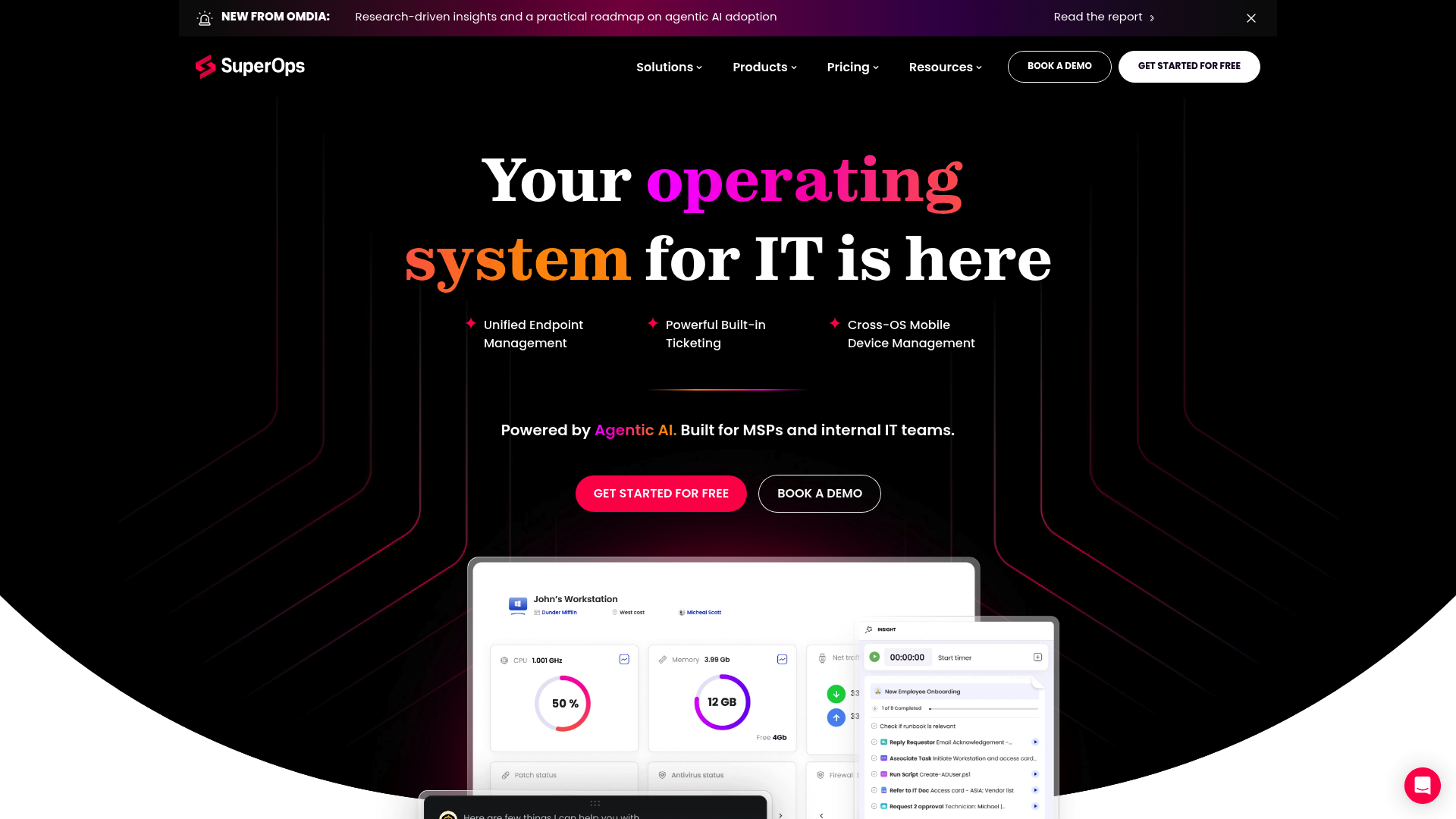
SuperOps is a unified IT management platform combining PSA, RMM, and AI capabilities. Unlike platforms built through acquisition, SuperOps was designed as a single unified system from the start.
Key features
- Unified PSA + RMM Single platform for ticketing, project management, time tracking, and endpoint management
- Monica AI Built-in AI assistant for workflow suggestions and automation
- Modern UI Contemporary interface designed for ease of use
- Service Desk Client portal and ticket management
What you can automate
SuperOps automates ticket categorization and routing, policy-based endpoint management, scheduled maintenance tasks, and billing workflows. The Monica AI assistant suggests optimizations and helps identify automation opportunities.
Pricing
| Plan | Price | Key Features |
|---|---|---|
| Growth | £139/tech/mo | Core PSA/RMM, 100 endpoints/tech, basic reporting |
| Scale | £169/tech/mo | Advanced automation, 200 endpoints/tech, custom workflows |
Note: Pricing in GBP. Endpoint limits apply per technician.
Pros and cons
| Pros | Cons |
|---|---|
| True unified architecture (not acquired/integrated) | Endpoint limits per technician |
| Transparent public pricing | Smaller integration ecosystem |
| Modern, clean interface | Newer player (less mature than competitors) |
| Good for UK/EU MSPs |
Verdict
SuperOps is ideal for modern MSPs wanting a unified PSA/RMM solution without the complexity of integrating separate tools. The endpoint limits (100-200 per technician) make it best suited for MSPs with moderate device counts. If you're in the UK/EU, the native GBP pricing and regional focus are advantages.
5. HaloPSA
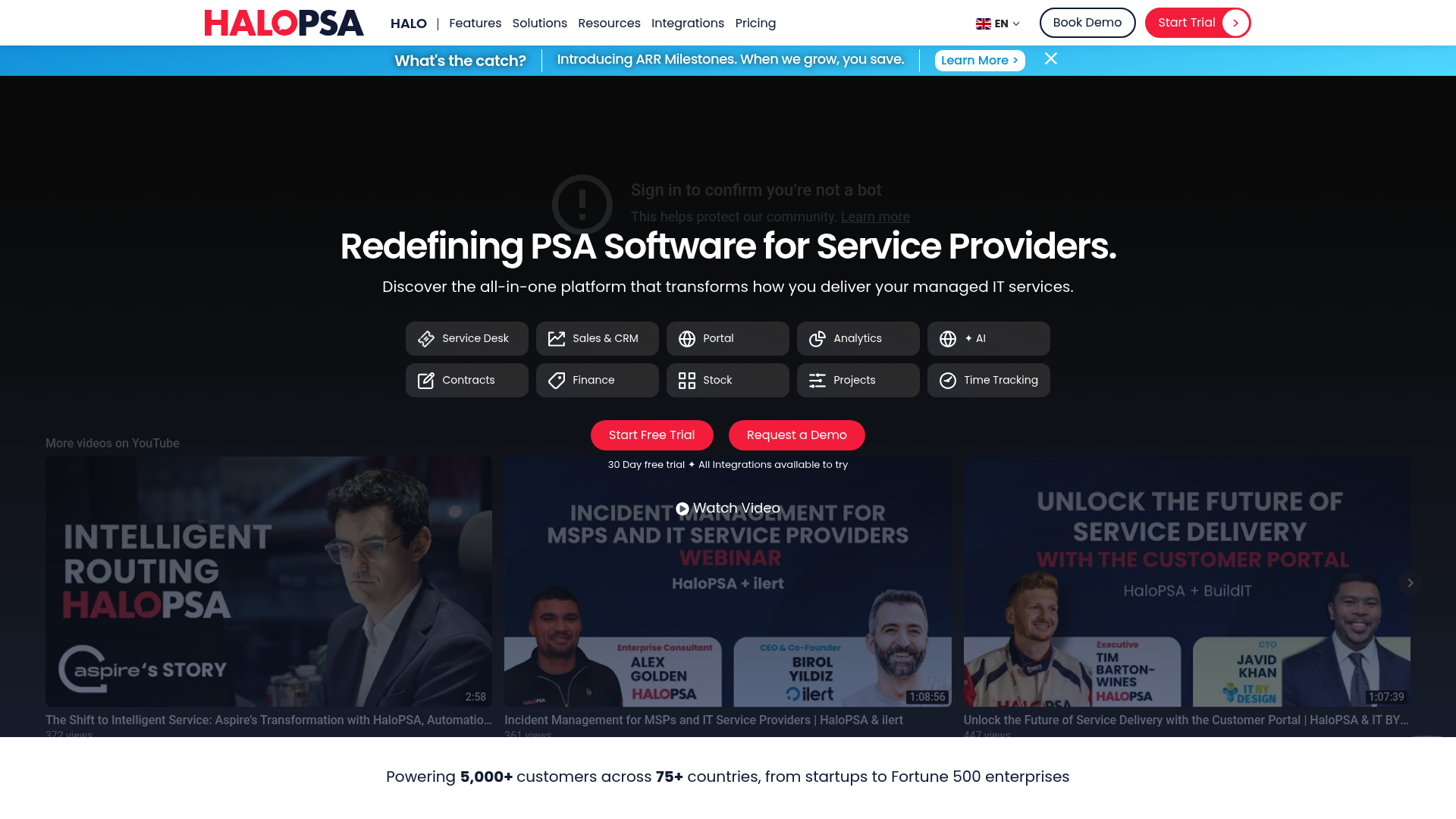
HaloPSA is a comprehensive PSA platform designed specifically for MSPs and IT service providers. It emphasizes transparent, all-inclusive pricing with no tiered feature restrictions.
Key features
- Complete PSA Ticketing, CRM, project management, time tracking, billing, and asset management
- Workflow Engine Rule-based automation for tickets, SLAs, and notifications
- Highly Configurable Extensive customization without coding
- Flexible Deployment Cloud-hosted or self-hosted options
What you can automate
HaloPSA automates ticket routing and escalation based on rules you define, SLA management with automated responses and breach notifications, scheduled reports and recurring actions, and billing workflows that connect time tracking to invoicing.
Pricing
| Plan | Price | What's Included |
|---|---|---|
| Standard | £69/agent/mo | All features, unlimited clients/endpoints, full API, mobile apps |
Note: Single tier includes everything. No add-ons or feature tiers.
Pros and cons
| Pros | Cons |
|---|---|
| Truly all-inclusive pricing | PSA-only (requires separate RMM) |
| No tiered features or upsells | No built-in RMM capabilities |
| Cloud or on-premise deployment | Smaller North American presence |
| Strong in UK/EU markets | Learning curve for extensive options |
Verdict
HaloPSA is the best choice if you want a comprehensive PSA without the complexity of tiered pricing. The single-tier model (£69/agent/mo) includes everything, making cost predictable. It's ideal for UK/European MSPs and those already invested in a separate RMM tool like NinjaOne or Datto.
6. Syncro
Syncro (formerly SyncroMSP) offers a unified platform combining RMM, PSA, and security capabilities with integrated scripting and AI features.
Key features
- Unified RMM + PSA Single platform for monitoring, management, ticketing, and billing
- Embedded Scripting Built-in PowerShell, Bash, and Python scripting engine
- AI Integration Native AI features for automation and assistance
- Security Features Built-in security capabilities and integrations
What you can automate
Syncro's scripting engine enables deep automation: automated patch management, remote script execution across endpoints, policy-based automation that triggers based on conditions, and integrated billing workflows. The AI features assist with script generation and optimization.
Pricing
| Plan | Monthly Price | Annual Price | Key Features |
|---|---|---|---|
| Basic | $129/user/mo | $99/user/mo | Core RMM/PSA, standard scripting |
| Pro | $149/user/mo | $119/user/mo | Advanced automation, priority support |
| Enterprise | $179/user/mo | $139/user/mo | Advanced security, custom integrations |
Pros and cons
| Pros | Cons |
|---|---|
| True single-platform RMM+PSA | Smaller vendor than ConnectWise/Kaseya |
| Embedded scripting (no external tools) | Some advanced RMM features less mature |
| Transparent pricing | Limited third-party integration ecosystem |
| Month-to-month options |
Verdict
Syncro fits MSPs wanting a true all-in-one platform with embedded scripting capabilities. The PowerShell/Python scripting engine is powerful for technical teams. At $99-139/user/mo (annual), it is competitively priced for smaller to mid-sized MSPs who value scripting flexibility.
7. NinjaOne
NinjaOne positions itself as the "#1 Unified IT Operations Platform" with a focus on endpoint management. It's RMM-first with automation built in, not the other way around.
Key features
- RMM + MDM + Remote Access + Backup Unified endpoint management platform
- Policy-Based Automation Automation engine for patching, deployment, and remediation
- Per-Device Pricing Transparent pricing based on endpoint count
- Fast Setup Most users operational in less than 1 week
What you can automate
NinjaOne automates patch management for OS and 100+ third-party applications, software deployment across endpoints, policy-based remediation for common issues, and scheduled maintenance tasks. The automation is policy-driven rather than workflow-driven.
Pricing
| Endpoint Volume | Price Range |
|---|---|
| 50 or fewer | $3.75/endpoint/month |
| 10,000+ | Starting at $1.50/endpoint/month |
Includes: Free onboarding, free training, unlimited support, no maintenance fees
Pros and cons
| Pros | Cons |
|---|---|
| Transparent per-device pricing | Per-device pricing adds up at scale |
| No hidden fees (free onboarding/training) | Integration breadth narrower than ConnectWise |
| Fast implementation | No free tier |
| Consistently rated #1 on G2 for RMM |
Verdict
NinjaOne is ideal for MSPs of all sizes who want reliable, well-supported RMM with transparent pricing. The per-device model works well if you have fewer endpoints or want costs directly tied to managed devices. NinjaOne includes native PSA functionality with ticketing and service management built in.
Choosing the right MSP automation tool for your needs
The best choice depends on your current stack and biggest pain points:
| If you... | Consider |
|---|---|
| Already have PSA/RMM you like, want cross-platform automation | Rewst |
| Want all-in-one with autonomous AI | Atera |
| Prefer unified PSA/RMM with modern UI | SuperOps |
| Need PSA-only with transparent pricing | HaloPSA |
| Want true all-in-one with embedded scripting | Syncro |
| Prefer per-device pricing, best-in-class RMM | NinjaOne |
| Want tickets resolved from your PSA without building workflows first | Rallied |
Before you shortlist, run your own numbers through the MSP ROI calculator: enter your help desk headcount, what each tech costs, and the share of their time spent on repetitive tickets, and it shows the hours and money automation could give back. That figure is the ceiling on what any tool here is worth to you.
Implementation tips for MSP automation
Getting value from automation requires more than just buying a tool. Here's what actually works:
- Start with one high-volume, low-complexity workflow Password resets, onboarding, or ticket routing. Get one win before expanding.
- Document before you automate If you can't write down the exact steps, you can't automate them reliably. For starters and leavers, the new user onboarding checklist and employee offboarding SOP are written-down versions you can adapt.
- Plan for edge cases What happens when the automation fails? Build escalation paths.
- Measure before and after Track hours saved per week. If you can't measure it, you can't justify the cost.
- Get technician buy-in Automation that feels like surveillance fails. Frame it as eliminating busywork, not monitoring.
Frequently Asked Questions
What are the most common MSP automation tools for small IT teams?
For small MSPs (1-5 technicians), Syncro and NinjaOne offer the best balance of features and price. Syncro's all-in-one approach eliminates integration complexity, while NinjaOne's per-device pricing scales predictably.
How do MSP automation tools integrate with existing PSA and RMM software?
Rewst connects to existing PSA/RMM tools via APIs as an orchestration layer. HaloPSA and NinjaOne integrate with complementary tools. All-in-one platforms like Atera, SuperOps, and Syncro combine functions natively, reducing integration needs.
What ROI can MSPs expect from implementing automation tools?
Rewst users report 75-80 hours saved weekly. Atera claims IT Autopilot handles up to 40% of routine tasks. Rallied targets 70-80% of L1 tickets handled autonomously. Real ROI depends on ticket volume and implementation quality.
Are there affordable MSP automation tools for startups and small businesses?
NinjaOne starts at $1.50-3.75 per device monthly. HaloPSA at £69/agent/mo includes all features. Syncro starts at $99/user/mo annually. Avoid platforms with hidden implementation fees.
How do AI features in MSP automation tools differ from traditional scripting?
Traditional scripting executes predefined commands exactly as written. AI Copilots suggest actions but humans execute. AI Autopilot and Rallied execute actions autonomously using AI reasoning.
What should you look for in an MSP automation tool before buying?
Check integration compatibility with your existing stack. Verify the pricing model scales with your growth. Test the automation builder during a trial. Confirm what 'AI' actually means. Ask about API maintenance.
What is MSP automation?
MSP automation is software doing the repeat work in a managed service provider's day: creating and routing tickets, patching and scripting on client devices, onboarding and offboarding users in Microsoft 365, syncing billing, and building reports. It comes in three shapes. RMM policies and scripts handle the endpoints. Workflow platforms such as Rewst run multi-step jobs across the PSA, RMM, and Microsoft 365 once someone builds them. AI agents such as Rallied start from the ticket, work out the fix, run it, and write the notes and time entry back to the PSA.
What are MSP tools?
MSP tools are the products a managed service provider uses to support its clients and run the business. The usual set is a PSA for tickets and billing, an RMM for monitoring and patching endpoints, a documentation platform such as IT Glue or Hudu, backup, and security tooling. Automation tools sit on top of those: workflow builders like Rewst, the automation built into Atera, SuperOps, and Syncro, and AI agents like Rallied that resolve requests in the PSA. The comparison table above covers the seven worth shortlisting for automation.
